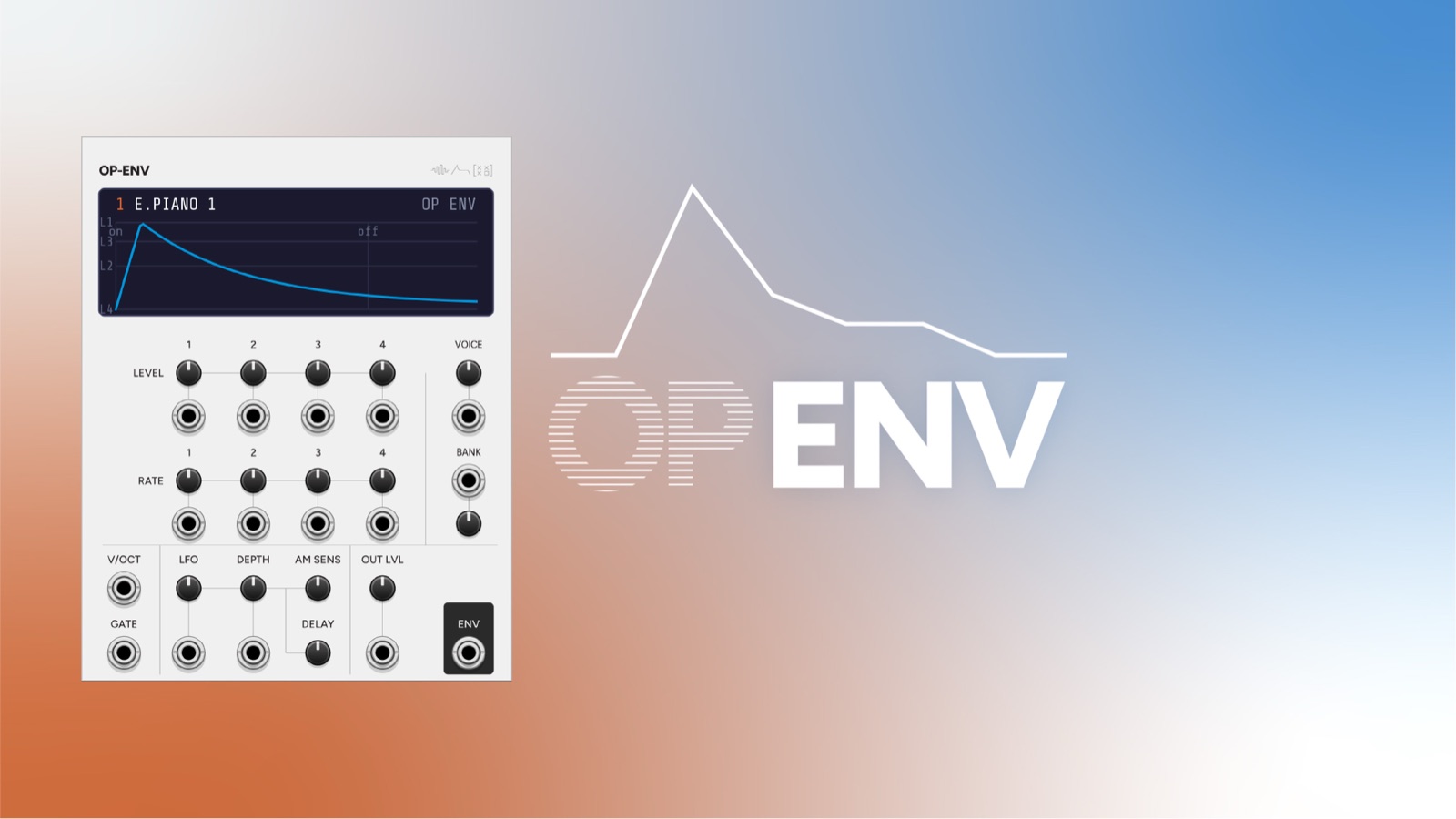
OP ENV is a standalone DX7 operator envelope generator. It loads a voice from a DX7 .syx bank (exactly like Operator), takes that voice’s carrier envelope, and turns it into a gate-driven 0-10V CV envelope you can use anywhere. On top of the loaded shape you can offset every one of the eight DX7 EG attributes (four rates + four levels) by trimpot or CV, scale the rates to pitch with a V/oct input, and add the DX7’s global LFO tremolo.
It’s the DX7 envelope, freed from the oscillator: for shaping any VCA, filter, or modulation target with the unmistakable feel of FM-synth envelopes.
OP ENV is 20 HP.
The DX7 envelope, briefly
A DX7 operator envelope has four rates (R1-R4) and four levels (L1-L4). Each stage ramps toward its level at its rate:
- Attack → ramp to L1 at R1
- then to L2 at R2
- then to L3 at R3, and hold at L3 (this is the sustain) while the gate is held
- on gate-off → ramp to L4 at R4 (the release)
So L3 is the sustain level and L4 is the release/end level (normally 0). Rates are speeds, not times: higher = faster. Because adjacent levels are often equal and rates saturate, small offsets sometimes have little audible effect: that’s faithful DX7 behaviour, not a bug.
See the on-screen ENV display, which draws this shape live.
Quick start
- Right-click → load a
.syxbank (or use the built-in default), and pick a VOICE. Classic DX7 cartridges are archived at Yamaha Black Boxes. - Patch a GATE into OP ENV.
- Take ENV out into a VCA/filter. The output follows the voice’s carrier envelope.
- Nudge the R1-R4 / L1-L4 trimpots to reshape it; add CV for movement.
Controls
Controls are grouped on the panel as two blocks of four (LEVELS on top, RATES below), each with the control’s CV jack beneath it, plus VOICE/BANK and the LFO/output row.
| Control | Function |
|---|---|
| L1-L4 | Offsets (−99…+99) added to the voice’s four EG levels, clamped to the DX7 0-99 range. |
| R1-R4 | Offsets (−99…+99) added to the voice’s four EG rates. |
| VOICE | Selects the patch whose carrier envelope is used. |
| BANK | Selects between loaded banks. |
| LFO | Offsets the voice’s global-LFO speed (tremolo rate). |
| DEPTH | Offsets the LFO amplitude-modulation depth (tremolo amount). |
| DELAY | Offsets the LFO delay (how long after gate-on the tremolo fades in). |
| AM SENS | Offsets the carrier’s amplitude-modulation sensitivity (0-3); tremolo needs DEPTH and AM SENS and the LFO all non-zero. |
| OUT LVL | Output level / scaler for the ENV output. |
Inputs
| Input | Function |
|---|---|
| GATE | Rising edge fires the attack; falling edge starts the release. |
| V/OCT | Key-tracks the envelope rates (DX7 rate scaling), so the envelope gets faster as pitch rises: patch your pitch CV here to match note length to register. |
| L1-L4 CV / R1-R4 CV | ±5V over the full ±99 offset range for each level / rate. |
| VOICE CV / BANK CV | Voice and bank selection. |
| LFO CV / DEPTH CV | Modulate LFO rate and tremolo depth. |
| OUT LVL CV | Modulate the output level. |
Output
| Output | Function |
|---|---|
| ENV | The envelope, 0-10V, scaled by OUT LVL. |
The display
The ENV screen draws the resolved envelope shape (the loaded voice plus your offsets) as a bright curve, with a dim data-driven backdrop marking the four levels (L1-L4) and the key-off point, and a live trace showing the envelope as it plays. It updates as you turn the trimpots, so you can dial a shape by eye.
Release behaviour (important)
By default OP ENV behaves like an envelope generator: gate-off returns the output to 0V, regardless of the loaded voice’s L4. This is set with the context-menu option “Release to 0V” (on by default).
Why it matters: in a real DX7 the release ramps to L4 and holds there. For voices (or L4 offsets) where L4 > 0, the envelope would release to that level and stay high: correct for the hardware, but surprising for an envelope module, where it looks “stuck.” Turn “Release to 0V” off to restore the authentic DX7 L4 release level (and make the L4 control meaningful as a release target).
Context menu
- Release to 0V: gate-off returns to silence (default on) vs. the authentic DX7 L4 release level (off).
- Banks: Load bank (.syx)…, select among loaded banks, Remove current bank.
- LFO waveform: From voice (default), Triangle, Saw down, Saw up, Square, Sine, Sample & hold.
Loaded banks, current bank, LFO waveform, and the release option are saved with the patch.
Patch ideas
Authentic DX7 envelope on any oscillator. Load a DX7 patch you like, gate OP ENV from your sequencer, and use ENV to drive a VCA on a completely different VCO. You get the FM envelope’s character without the FM tone.
Matched pair with Operator. Play the same voice on Operator (take its VCO out) and OP ENV from the same gate: Operator gives the tone, OP ENV the envelope, and you can offset/modulate the envelope independently of the sound.
Key-tracked dynamics. Patch your pitch CV into V/OCT. High notes get shorter, snappier envelopes and low notes longer ones: the DX7 rate-scaling behaviour, useful for realistic mallet/string articulation.
Tremolo shaper. Raise AM SENS + DEPTH and pick an LFO waveform; the output gains the DX7’s delayed vibrato/tremolo character that fades in after each note starts (set the fade with DELAY).
Reshape on the fly. Modulate L2/L3 or R2/R3 with slow LFOs (via the CV jacks) to morph the envelope’s body over time while keeping the attack and release fixed.
Pair with
-
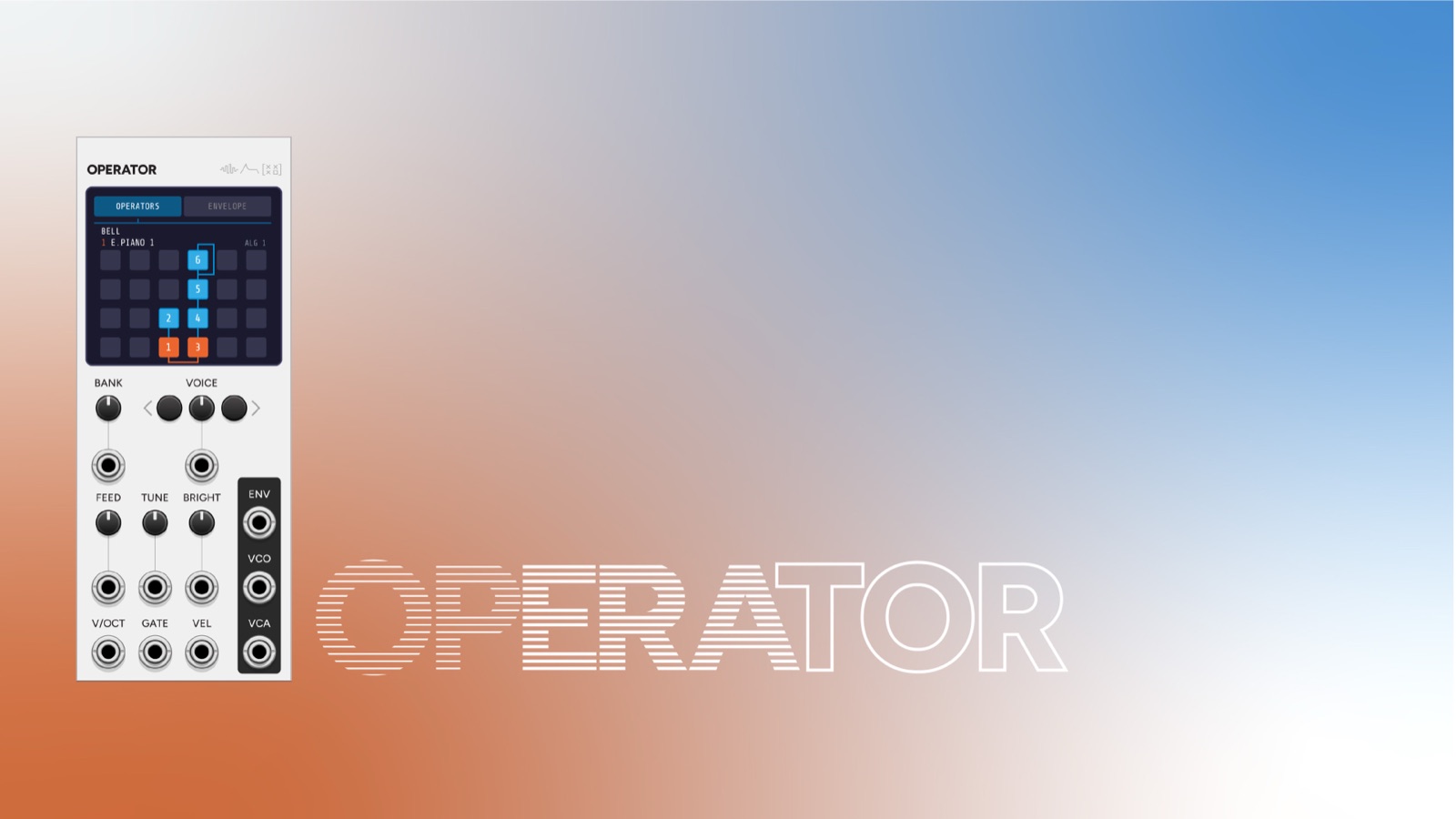 Operator
Play the same voice on Operator (VCO out) and OP ENV from one gate: Operator gives the tone, OP ENV the envelope, each modulated independently.
-
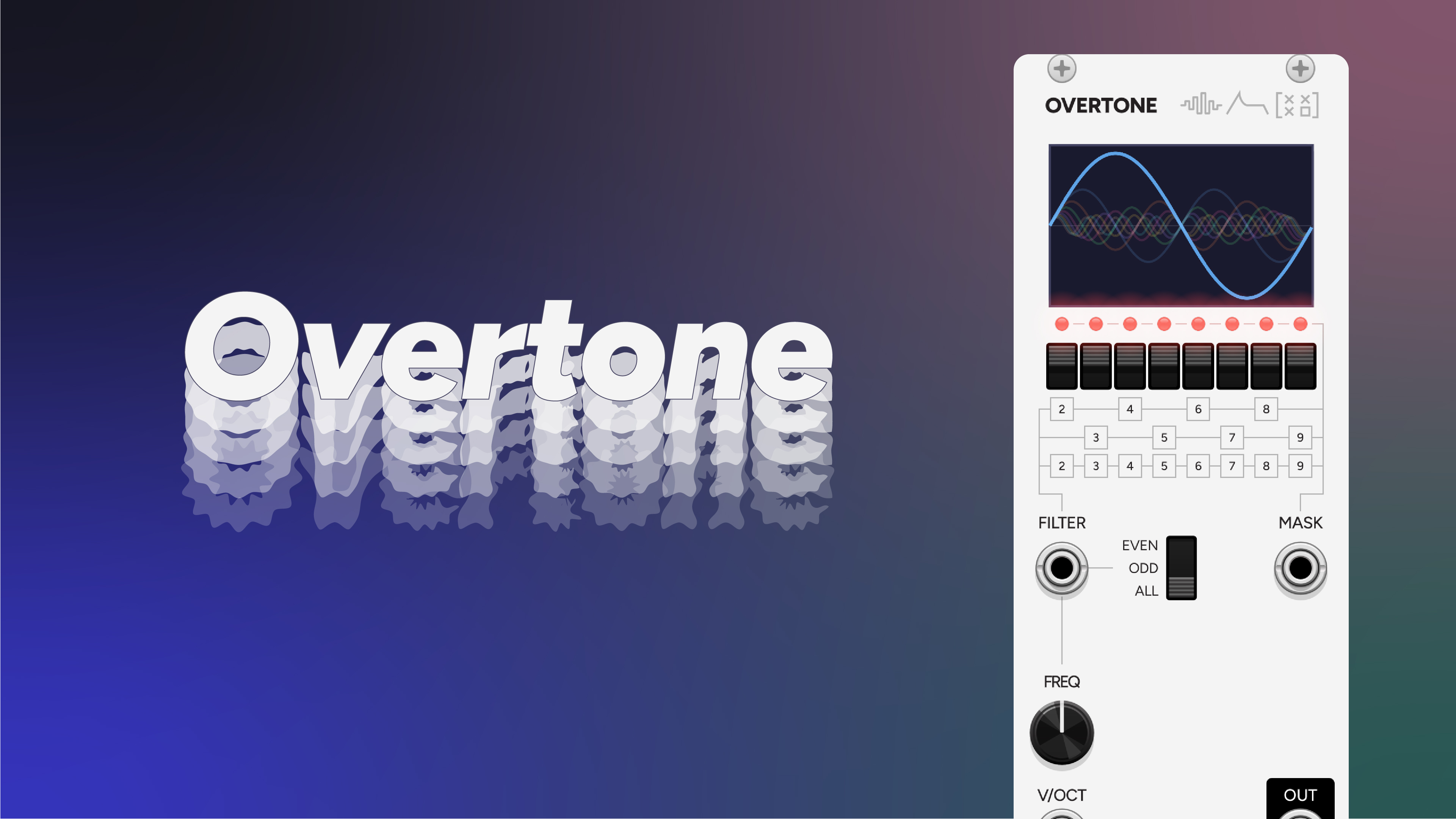 Overtone
Drive a VCA on Overtone with OP ENV for a DX7 envelope shaping an additive tone: FM articulation without FM.
-
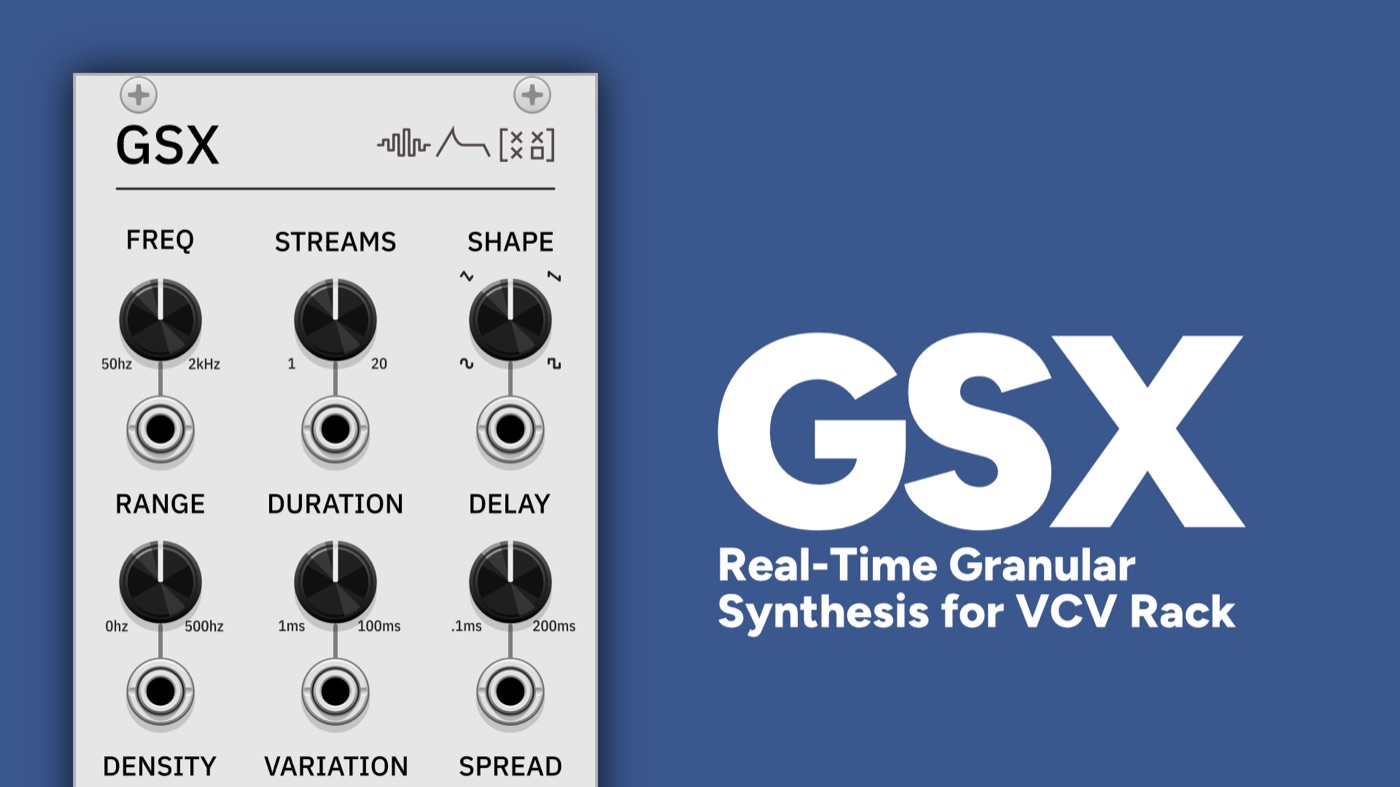 GSX
GSXShape granular textures with an authentic DX7 envelope by routing OP ENV to a VCA on GSX's output.