
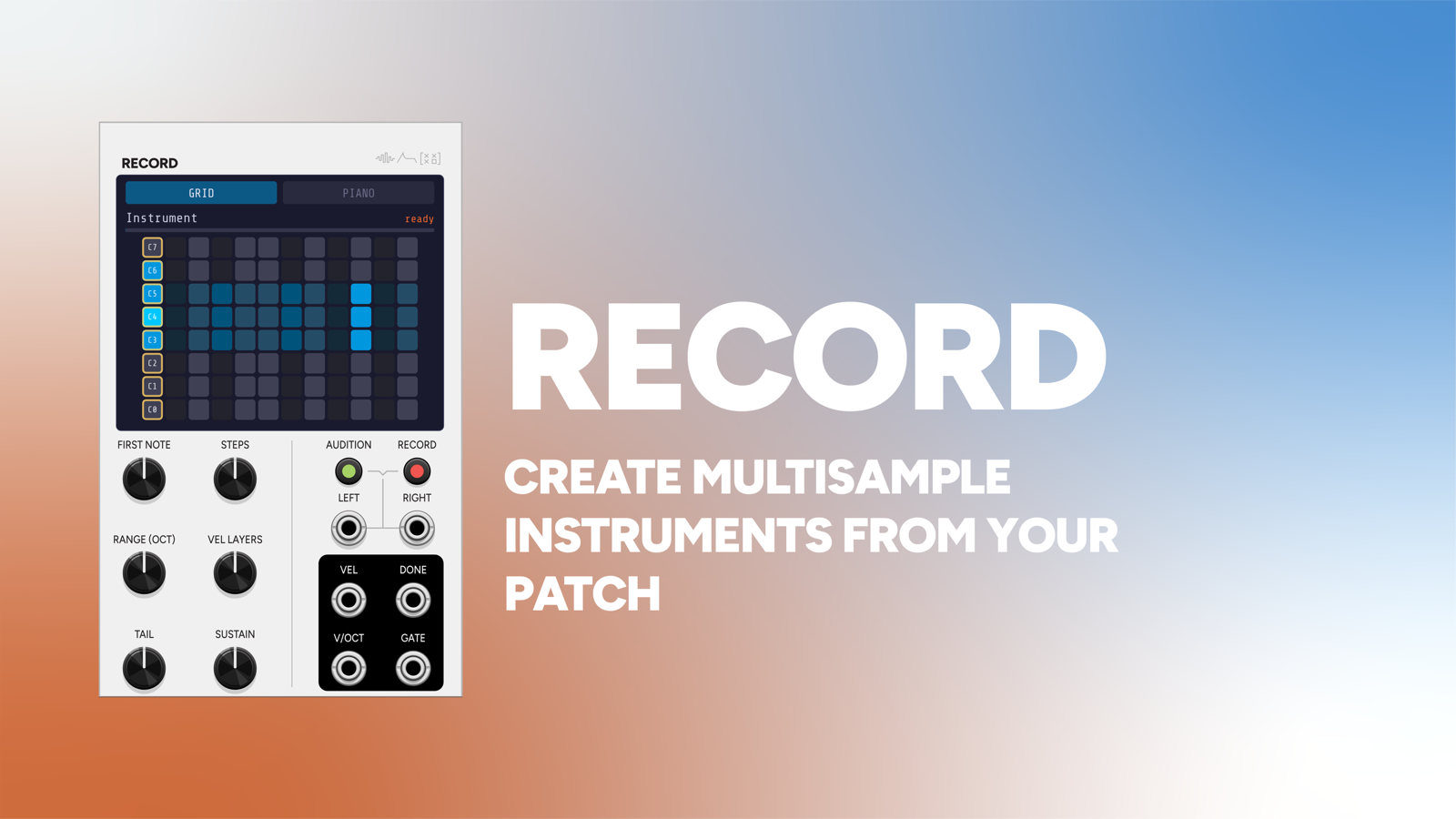
Record is an auto-sampler. Point it at any voice in your rack (a patch you’ve built, a granular texture, an FM bell), press RECORD, and it plays that voice across a range of notes and velocities, captures each one, and writes a complete multisampled instrument to disk: a folder of WAVs plus an .sfz file.
The result loads straight into Play, or into any sampler that reads SFZ.
It pairs with Play, but the two don’t talk over an expander. The handoff is files on disk, so the instruments you make are yours, and they outlive the patch that made them.
16 HP.
How it works
Record drives the voice and listens to it come back:
- It outputs V/OCT and GATE (plus VELOCITY) into your patch.
- It inputs the voice’s stereo return on L / R.
- For each note and velocity layer it holds the gate for SUSTAIN, records the TAIL after release, waits for silence, and moves on.
- When the sweep finishes it trims, normalises, and writes the files.
Patch V/OCT and GATE into your voice, patch the voice’s output back into L/R, and you’re set up.
A basic patch
Here is Record sampling a simple subtractive voice: a VCO through a filter and a VCA, with an envelope on the filter.
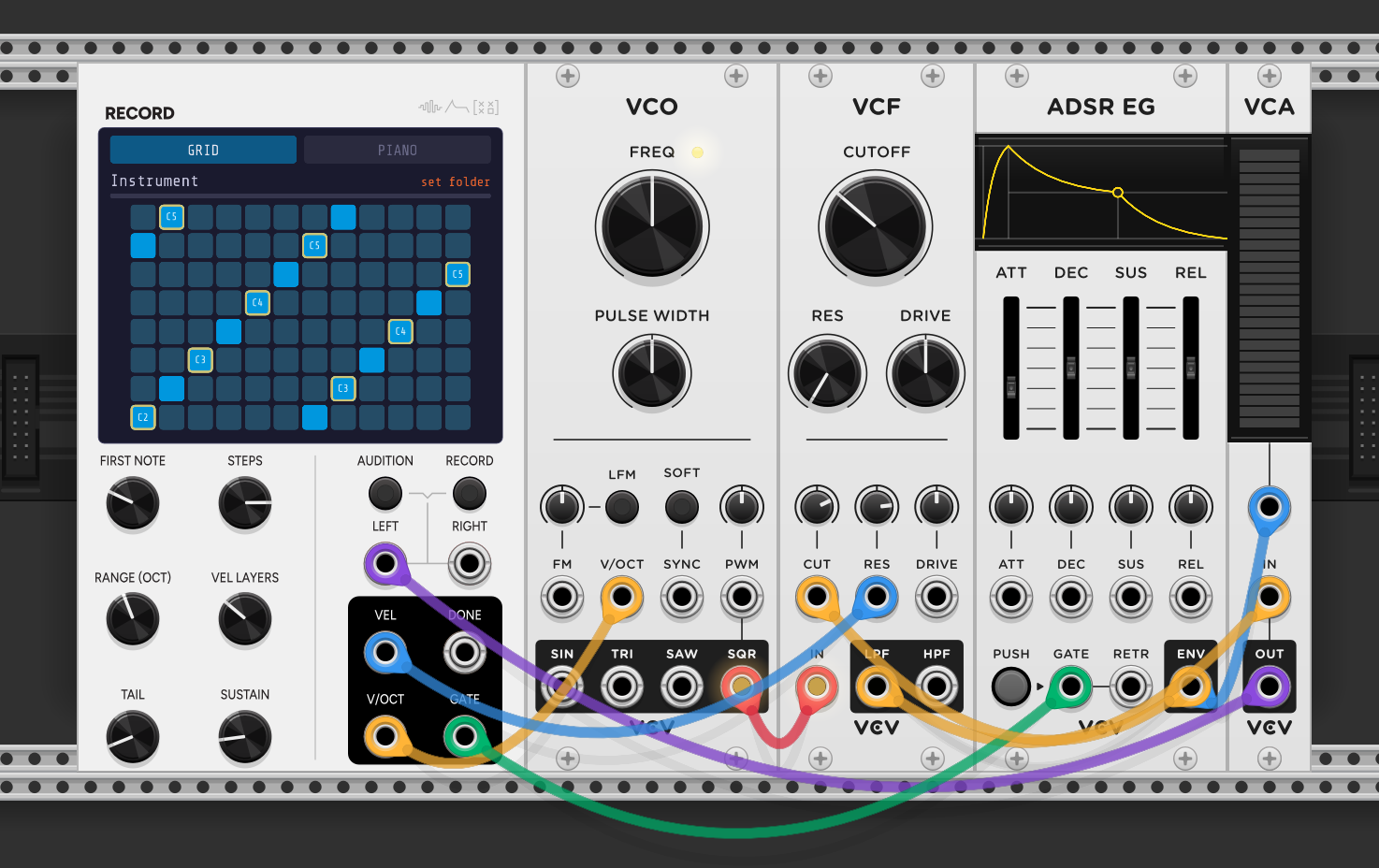
The part that trips people up is that Record sits at both ends of the chain. Its outputs drive the voice, and the voice’s audio has to come back into its inputs. So the same module is the first thing in the patch and the last.
Record drives the voice:
- V/OCT into the VCO’s V/OCT sets the pitch.
- GATE into the ADSR’s GATE fires the envelope. Record holds the gate for SUSTAIN, then releases.
- VEL into the VCA’s level and the filter’s RES, so louder notes are louder and a little brighter.
The voice plays through in the usual order:
- VCO SQR into the filter IN.
- ADSR ENV into the filter CUT, so the filter opens and closes on each note.
- Filter LPF into the VCA IN.
- VCA OUT back into Record’s LEFT.
That last cable is the one people forget. Record only captures what returns to its L/R inputs, so the voice’s final output has to loop back to it. Nothing gets recorded until that return is patched. For a mono voice, use LEFT alone; for a stereo voice, use LEFT and RIGHT.
Once it’s wired, hit AUDITION to hear the sweep, check SUSTAIN and TAIL, then press RECORD.
Setting the sweep
- START: the lowest note to sample.
- SPACING: semitones between samples. 1 samples every note (big and accurate); 3-4 is a good balance; 12 gives one per octave.
- OCTAVES: how far the sweep runs.
- VEL LAYERS: velocity layers per note (1 = no velocity switching).
- SUSTAIN: how long the gate is held for each capture.
- TAIL: how long to keep recording after release. Set it long enough for the release and any reverb to decay.
AUDITION runs the same sweep through the voice with no capture and no writing. Always audition first. It’s how you hear whether SUSTAIN and TAIL are right, and whether the voice is actually in tune, before committing to a long capture.
The display
A live scope shows a min/max waveform of the incoming audio, so you can see the voice arriving and confirm your levels.
Below it, a playable keyboard in two tabbed views: a 12x8 Push-style pad grid (the default) or the full 88 keys with octave labels. The sampled range shows as a translucent orange band with orange root keys; the note currently being captured is cyan.
The pads are live: tap one and Record emits V/OCT and GATE to your voice, so you can audition the patch you’re about to sample without leaving the module. The grid has three layouts: chromatic 4ths (an isomorphic, bass-guitar-like layout), in-key (following a root and scale), and a chromatic piano-roll grid with the accidental columns shaded and the C column ringed.
What it writes
Into your destination folder:
NNN_vVVV.wav: one file per note and velocity, orNNN_vVVV_rK.wavwith round-robins.<Instrument>.sfz: the instrument definition, with key ranges,pitch_keycenter, velocity zones, tuning, loop points, and round-robin sequencing.
Files are written on the GUI thread once the sweep completes, so recording never glitches your audio.
The folder is plain WAVs and a text .sfz, so other tools can pick it up from there. SampleStack converts a folder like this for hardware samplers, Morphagene and Multigrain and Digitakt among them. WaveStack pulls single cycles out of a pitched recording, which is how a voice you sampled here becomes a wavetable.
The details that make captures usable
Wait for silence between notes. After the tail, Record monitors the input and only advances once it’s been quiet for a moment. This stops a long release bleeding into the next capture. The gate stays low during the wait and it isn’t recorded.
Latency calibration. Fires a test note, measures how long the sound takes to come back through your patch, and stores the delay. Captures are then trimmed to the measured onset rather than by a threshold, which is noticeably more accurate for quiet or slow-attack voices.
Round-robins (1-4). Capture each note several times and write them as a round-robin group. Worth it only if the voice actually varies between takes: noise, randomness, or chaos somewhere in the patch. A perfectly deterministic voice will just give you four identical files.
Loop detection. With looping enabled, Record finds a loop point in each capture on positive zero-crossings, choosing the end that minimises the seam error, and writes loop_start / loop_end into the SFZ. Play will then loop the sample for as long as the note is held. This works well on steady material like pads, strings, and drones, and less well on anything that evolves through the note, where there may be no honest loop point to find. For one-shots, leave it off.
Gate or trigger mode, mono or stereo, 16/24/32-bit float, normalize, and auto-trim are all there too.
Patch ideas
Freeze a patch you can’t keep. Sample a CPU-heavy granular or FM voice into an instrument you can play polyphonically from Play at a fraction of the cost.
Sample your own hardware. Run an external synth through an audio interface into L/R, with V/OCT and GATE driving a MIDI-CV interface.
Capture the randomness. A chaotic voice plus four round-robins gives you an instrument that never repeats itself exactly.
Build a kit. Trigger mode, spacing of 1, one octave, several velocity layers, loops off.
Pair with
-
 Play
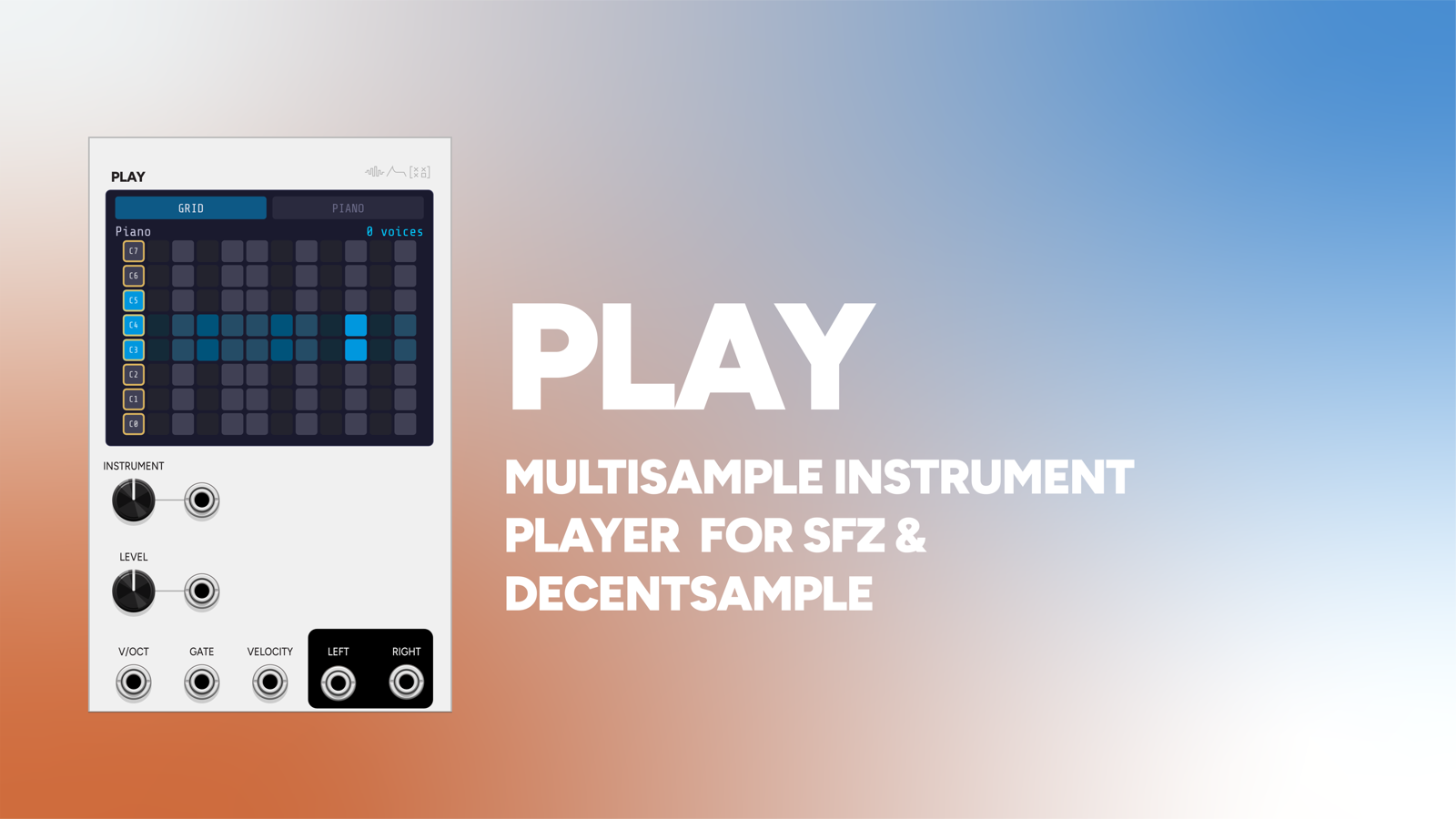
PlayThe other half of the pair. Record captures a voice to disk; Play loads the .sfz and plays it back polyphonically. The handoff is files, not an expander, so your instruments outlive the patch.
-
 GSX
GSXGranular textures are expensive and hard to play. Sample GSX into a multisampled instrument and play the result polyphonically for a fraction of the CPU.
-
 Operator
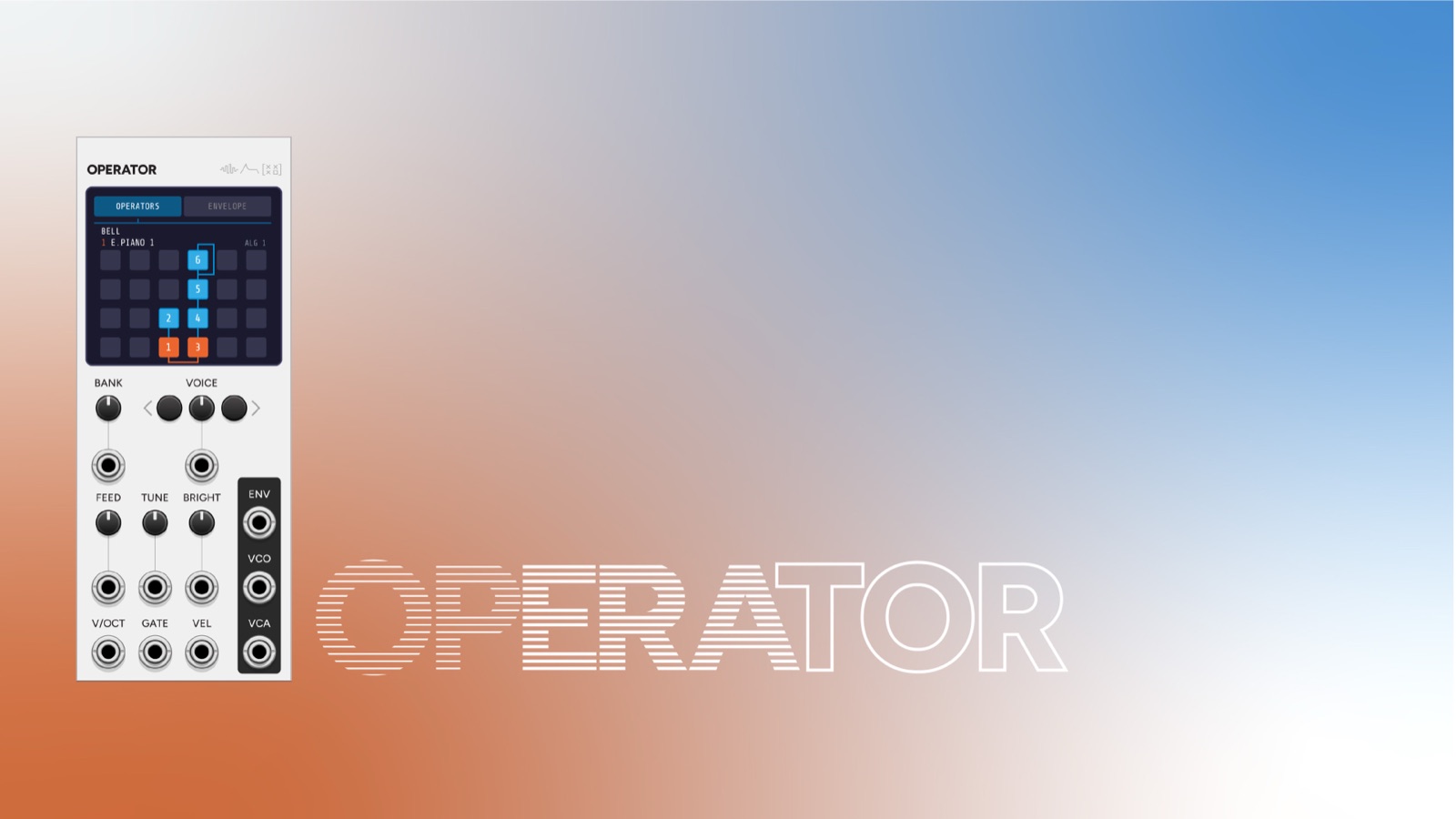
Capture an Operator FM patch as a sampled instrument: freeze a six-operator voice into something you can layer many times without the DSP cost.