
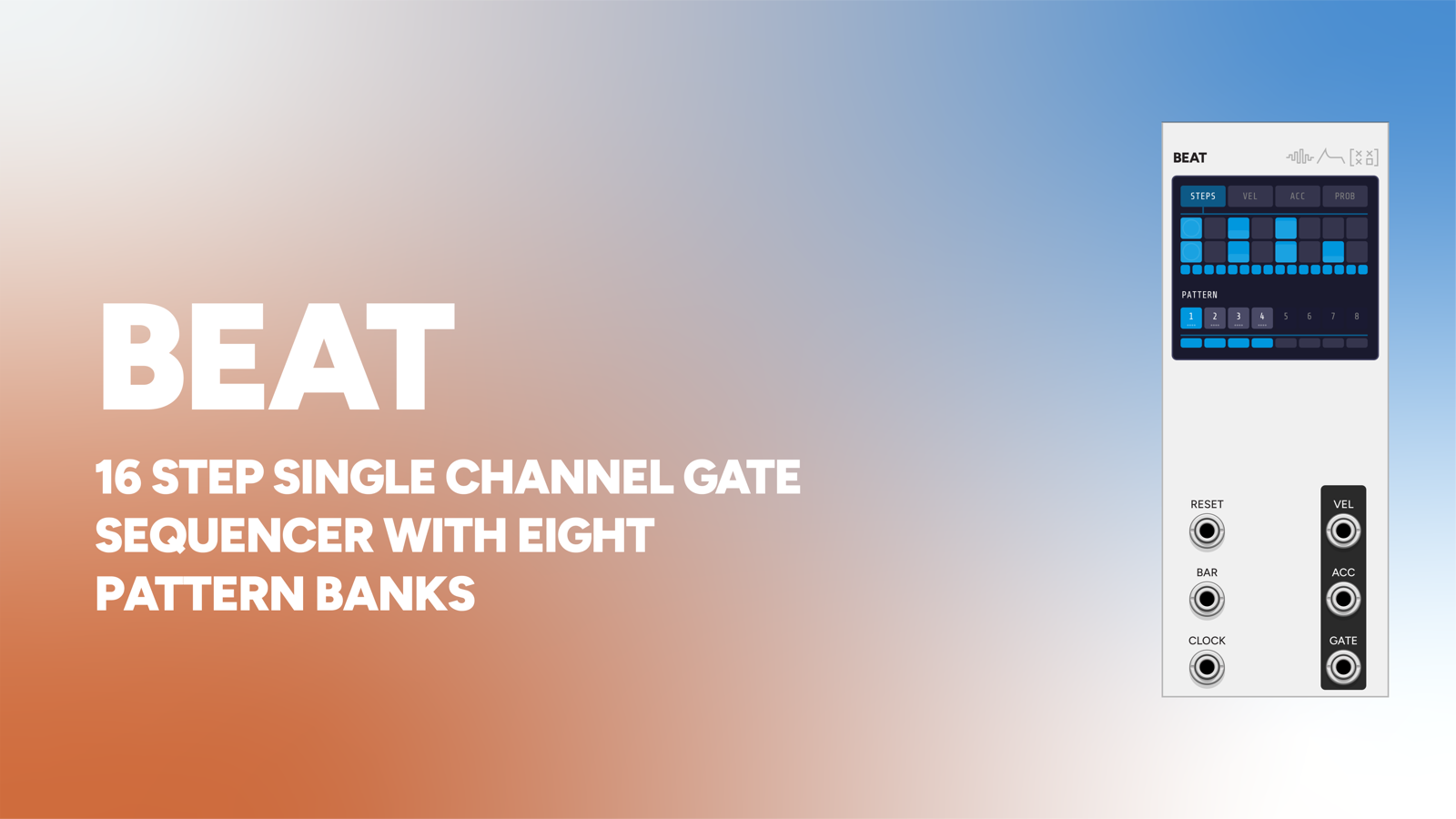
Beat is a single-voice pattern sequencer designed to pair with Meter, or any source of clock and bar pulses.
One Beat instance equals one drum voice. To build a kit you instantiate as many as you need, and each holds its own independent pattern bank, length, and feel. That’s deliberate: a kick that swings differently from the hats is just two Beats clocked from two different Meter outputs, not a mode you have to configure.
10 HP. Most of the module is display. The panel is a narrow strip of jacks, because the editing all happens on screen.
Patterns and steps
Each Beat holds 8 patterns of 16 steps. Every step carries four properties:
- on/off
- velocity: drives a 0-10V sample-and-hold output
- accent: a separate 1ms pulse output
- probability: the chance the step actually fires when reached
Each pattern has its own length (1-16) and repeat count (1-8 bars), and can be marked active or inactive. Inactive patterns are skipped in the rotation, so you can chain a subset without editing each one.
Cross-rhythm for free
When the playhead reaches the last active step, the next CLOCK pulse wraps it back to step 0, even mid-bar. A 5-step pattern clocked at sixteenths keeps cycling against the underlying meter, producing built-in cross-rhythm against the other voices. Set the length and the polyrhythm arrives on its own.
The display is the instrument
Four mode tabs, STEPS, VEL, ACC, PROB, change what the 2x8 grid edits:
- STEPS: click a cell to toggle it; drag to paint across cells.
- VEL: click and drag vertically to set per-step velocity. The cell fills bottom-up to show the level.
- ACC: click to toggle the accent flag; drag to paint. Shown as an unfilled circle.
- PROB: click and drag vertically to set the per-step firing chance.
Velocity and accent leave faint hints in the other modes, so you can see the whole picture while editing one dimension.
Below the grid: length dots (click one to set the pattern length, or drag to scrub), the pattern selector (click to select, double-click to toggle active, scroll to change repeats), and a repeats bar. Click, drag, scroll, and double-click all do something useful.
Bar and clock behaviour
Meter typically fires BAR and the downbeat subdivision on the same sample. Beat collapses those into a single event so you never get a doubled hit on the downbeat, in either direction of sub-sample drift.
By default pattern advances only happen on a BAR pulse (“Advance only on bar trigger”). With BAR unpatched the pattern simply loops indefinitely, a self-contained groove.
Inputs and outputs
| I/O | Function |
|---|---|
| CLOCK | Advances the step counter |
| BAR | Advances to the next active pattern (honouring repeats) |
| RESET | Returns to the first active pattern, step 0 |
| MUTE | Gate; silences all three outputs |
| GATE | 1ms 10V pulse on each fired step |
| VEL | 0-10V sample-and-hold velocity |
| ACC | 1ms 10V pulse on accented hits |
Context menu
“Advance only on bar trigger”; randomize the current pattern’s steps (50% density, leaving velocity/accent/probability alone); clear the current pattern; clear all patterns. The pattern selector’s right-click menu adds copy and paste, with a clipboard shared across instances, so you can duplicate a groove between Beats.
Patch ideas
Three-piece kit. Kick, snare, hat as three Beats. QUARTER to the kick, swung EIGHTH to the snare, swung SIXTEENTH to the hat, all BAR inputs from Meter. Each holds its own bank for its drum.
Humanised hats. Drop the hat’s PROB to ~70% on the off-beats: the pattern stays fixed but breathes.
Cross-rhythm. Set one Beat’s length to 5 or 7 while the others stay at 16. It drifts against the bar and realigns on its own cycle.
Velocity into timbre. The VEL output into a filter cutoff or a sample’s pitch, not just the VCA. Accents change the sound, not only the level.
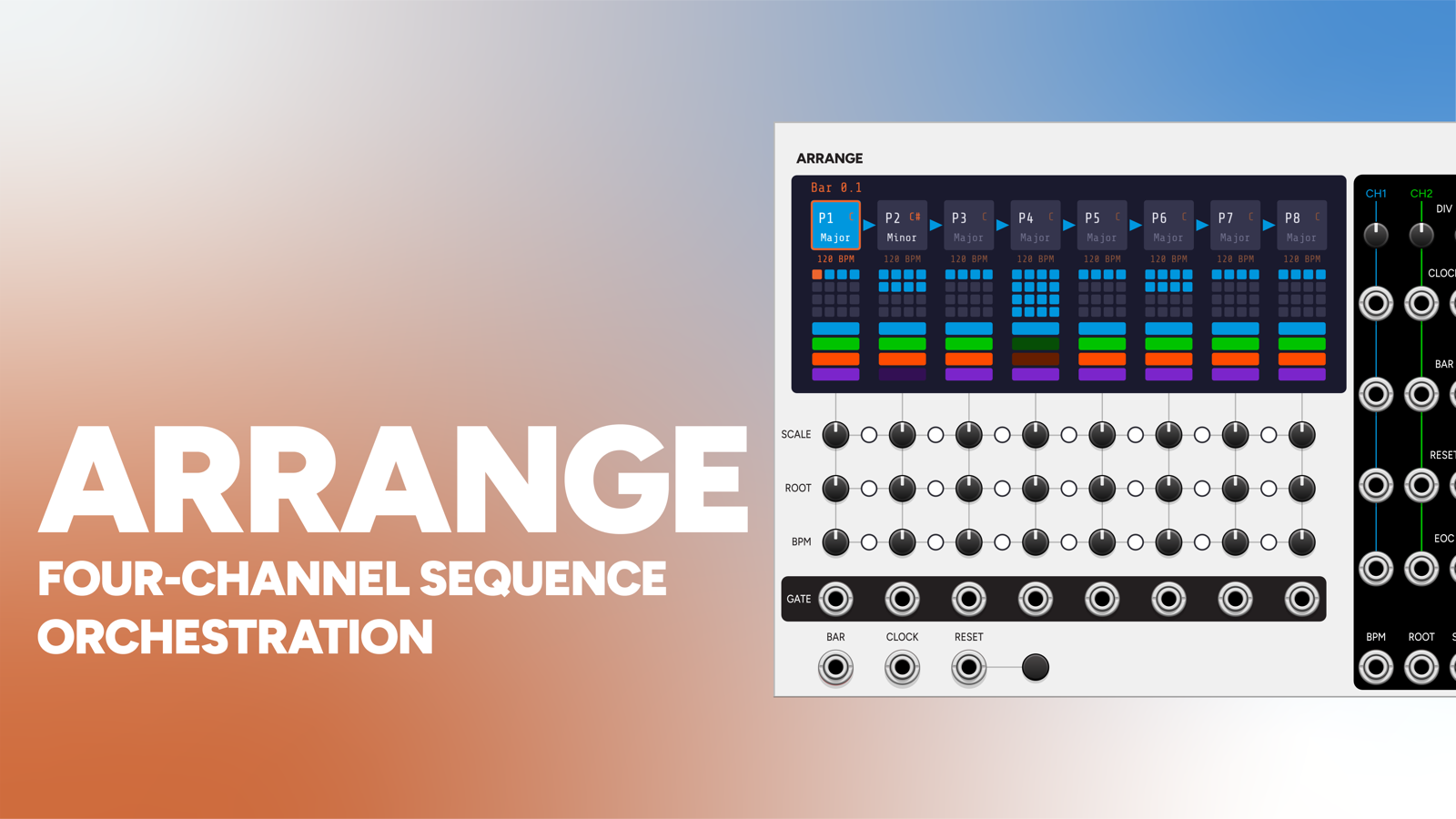
Sectional kit. Give each Beat one of Arrange’s channel clocks; the drums drop in and out per phrase.
Pair with
-
 Signal Function Set Sequencer System
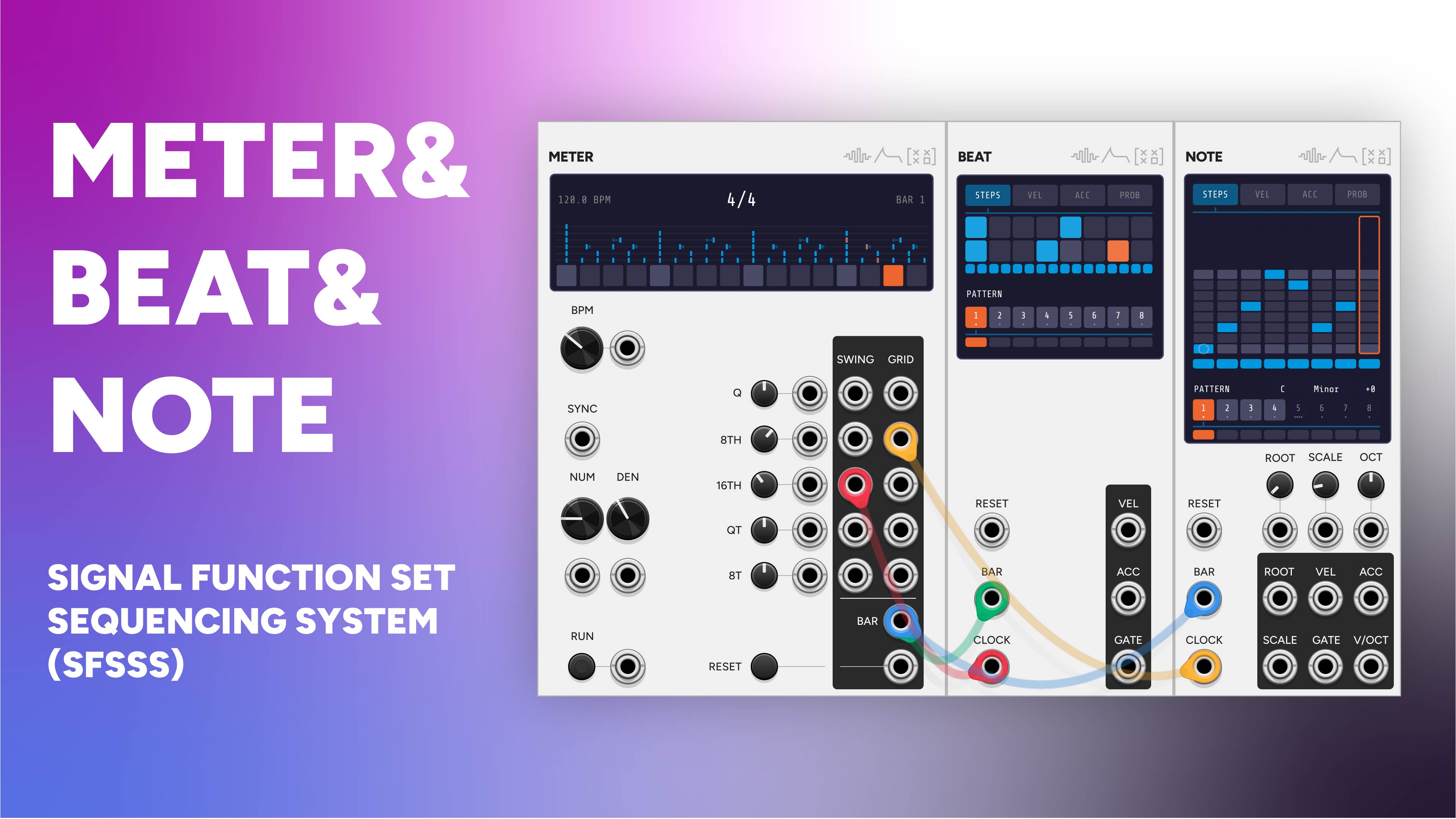
Beat is the drum voice of this system. One Meter drives as many Beats as you need, all sharing bar boundaries and reset.
-
 Meter
MeterClock each Beat from a different Meter subdivision (swung eighths into the hat, straight quarters into the kick) and shape the whole kit's feel from one place.
-
 Note
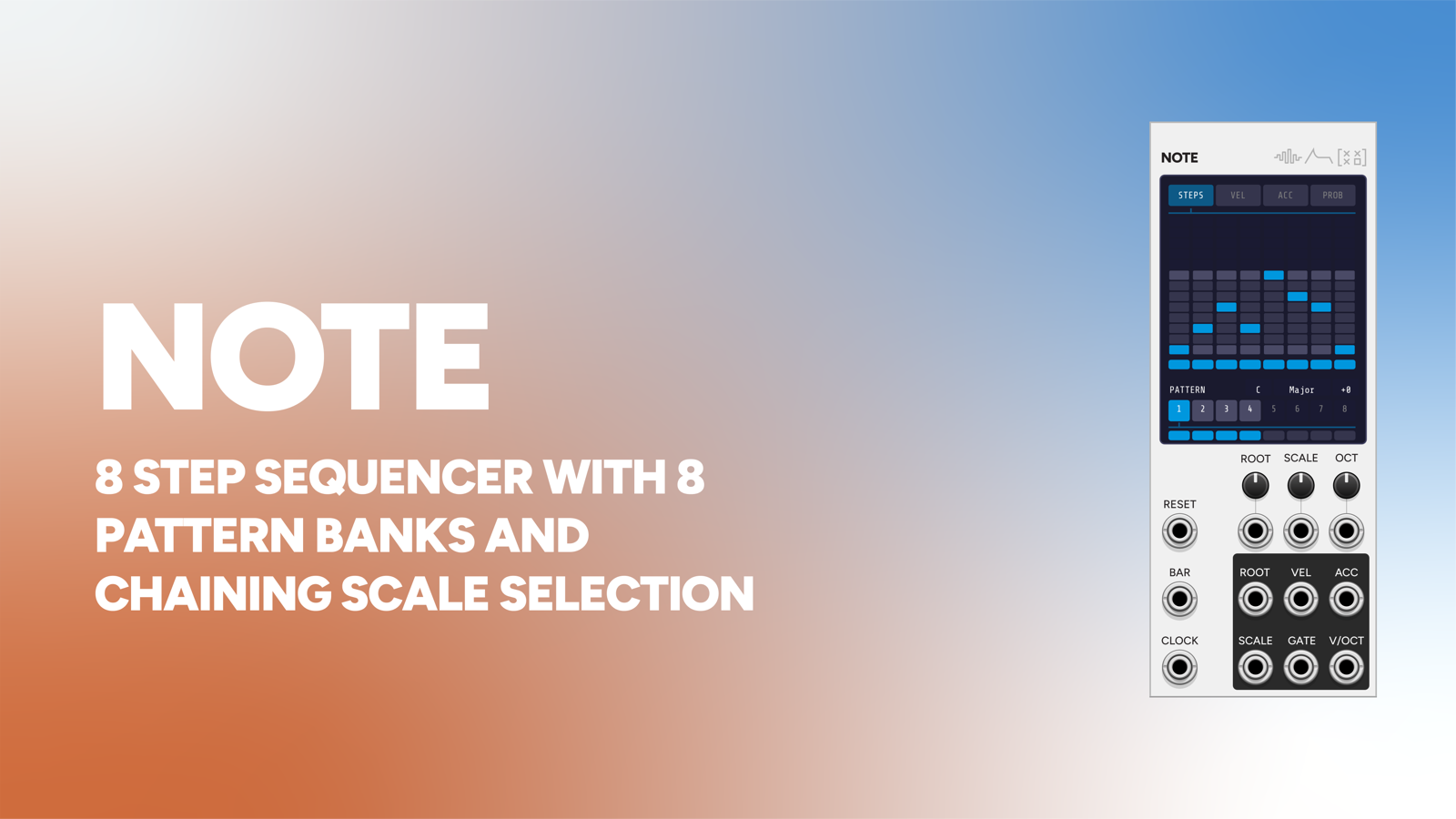
NoteNote is Beat's pitched cousin: same pattern architecture and edit modes, but each step also carries a pitch quantized to a scale.
-
 Arrange
Give each Beat one of Arrange's channel clock buses and it drops in and out per song section on its own.