
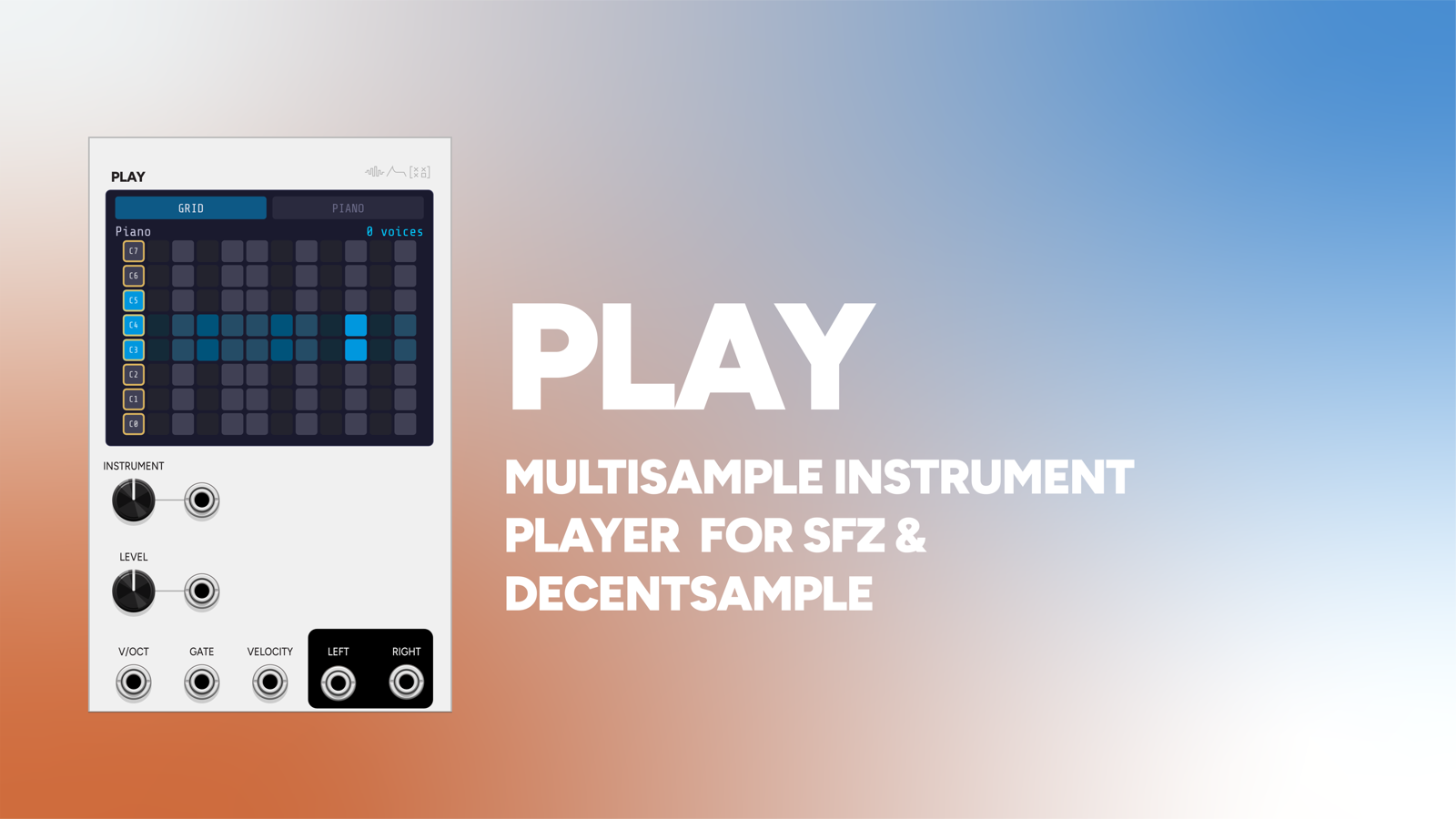
Play is a polyphonic multisample player. It loads an .sfz or a DecentSampler .dspreset instrument and plays it back with up to 16 voices, with velocity layers, round-robins, loops, and per-note tuning.
It’s the other half of Record: capture a voice to disk, load it here, play it. But it isn’t limited to that. Play reads a practical subset of SFZ, so simple third-party libraries and DecentSampler presets work too.
16 HP.
Loading and selecting
Right-click, Load instrument and pick a .sfz or .dspreset. Play holds a list of instruments, and the INSTR knob (with its CV input) selects between them, so you can keep a drum kit, a bass, and a pad loaded at once and switch with a voltage. Instrument paths save with the patch and reload automatically.
Playing it
Polyphony comes from the V/OCT and GATE cable channels: patch a polyphonic sequencer and you get one voice per channel, up to 16. A mono cable broadcasts to all voices, so a single velocity cable applies to the whole chord rather than leaving the other voices silent.
Voices are pitched by resampling: the ratio comes from the note’s distance from the region’s pitch_keycenter, plus any tuning, plus the sample-rate difference. A 2ms attack and 30ms release envelope keeps note edges clean. VEL (0-10V) sets each voice’s level and picks its velocity layer, and there’s a LEVEL control with CV over the output.
Note-off actually releases
By default note-off releases the voice, so gate length controls note duration like any normal instrument. This matters more than it sounds: if one-shots ignored note-off, a melodic sequence would pile up voices until it hit the 16-voice ceiling and started stealing them.
For drums and other play-through material, a context menu option, One-shot (play through), lets samples run to their natural end regardless of gate length. Looped regions loop for as long as the note is held.
The display
The instrument name, its region count, and the active voice count.
Below that, the same two tabbed views as Record: a 12x8 Push-style pad grid (the default) or the full 88 keys. Mapped notes show blue and playing notes cyan, so you can see the instrument’s real range at a glance, and spot gaps in a library that doesn’t cover the whole keyboard.
The pads are live: tap one and Play auditions its own voice internally, with nothing patched. It’s the fastest way to check a freshly loaded instrument.
Formats
SFZ
A practical subset, enough for Record’s output and for simple libraries:
sample, lokey / hikey / key, pitch_keycenter, lovel / hivel, tune, volume, loop_mode / loop_start / loop_end, default_path, and seq_length / seq_position for round-robins.
Keys can be note names or numbers, and opcodes cascade from global to group to region as they should.
If your sample libraries need sorting out before they get here, SampleStack is the desktop tool I use for it. Its page on Play covers how its SFZ and Decent Sampler exports load here.
DecentSampler
.dspreset files are parsed too (groups, group, sample, cascading). Following DecentSampler’s convention, tuning and volume accumulate across levels while everything else overrides. Loops and round-robins map onto the same engine.
Not yet honored: sample start/end trim, pan, and loop crossfade.
Patch ideas
Play back what you sampled. Record a granular patch to disk, load the .sfz here, and play it polyphonically from Note or a keyboard for a fraction of the CPU.
Switchable kit. Load several instruments and sequence the INSTR CV to change instrument per section. Arrange’s phrase output works well for this.
Velocity-layered drums. A kit captured with several velocity layers, in one-shot mode, driven from Beat’s velocity output.
Sampled pad with real loops. Capture a slow evolving voice with Record’s loop detection on; Play holds the loop for as long as the note sustains.
Pair with
-
 Record
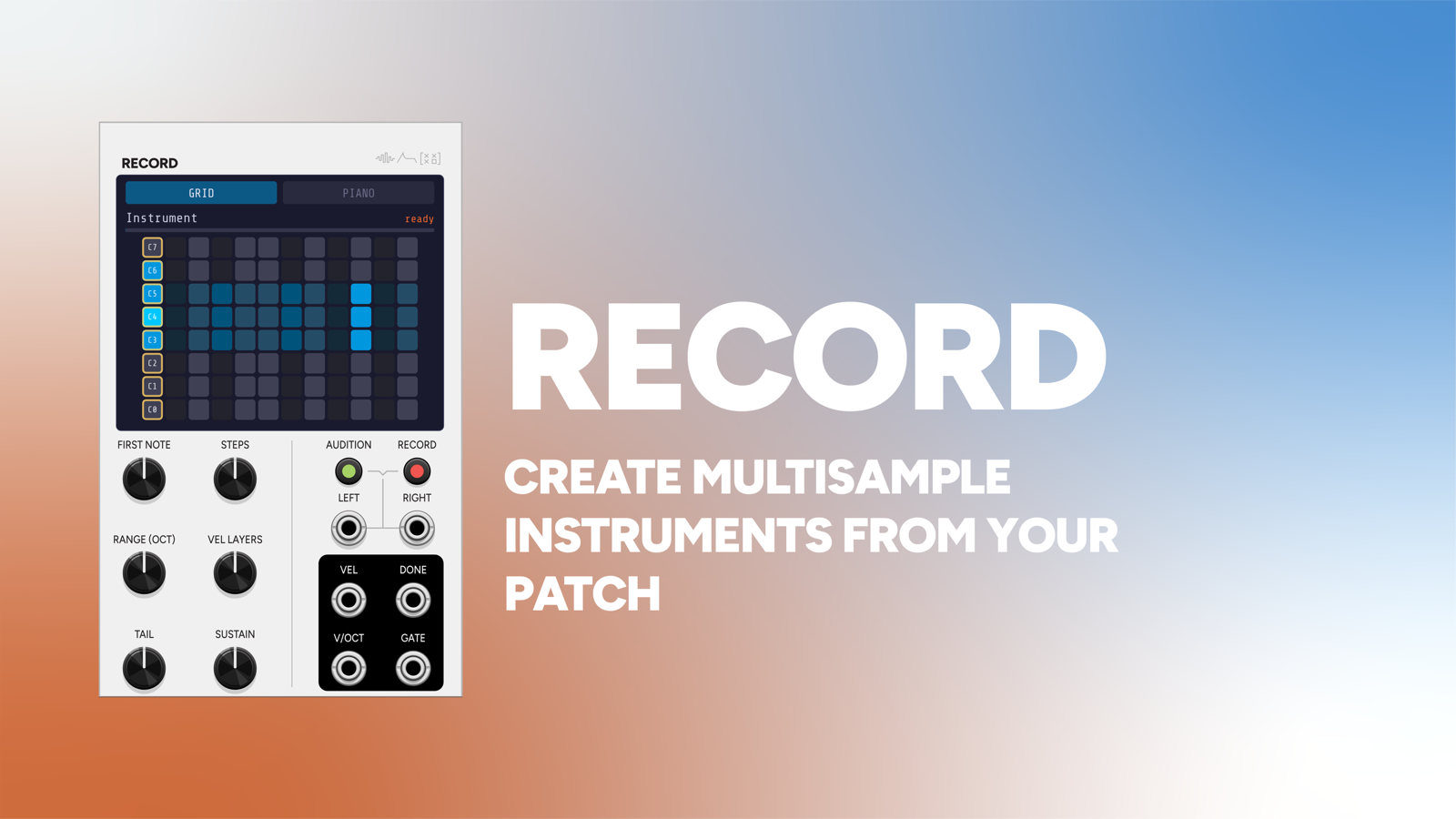
The other half of the pair. Record captures any voice in your rack to a multisampled .sfz; Play loads it and plays it back polyphonically. The handoff is files, so your instruments outlive the patch.
-
 Signal Function Set Sequencer System
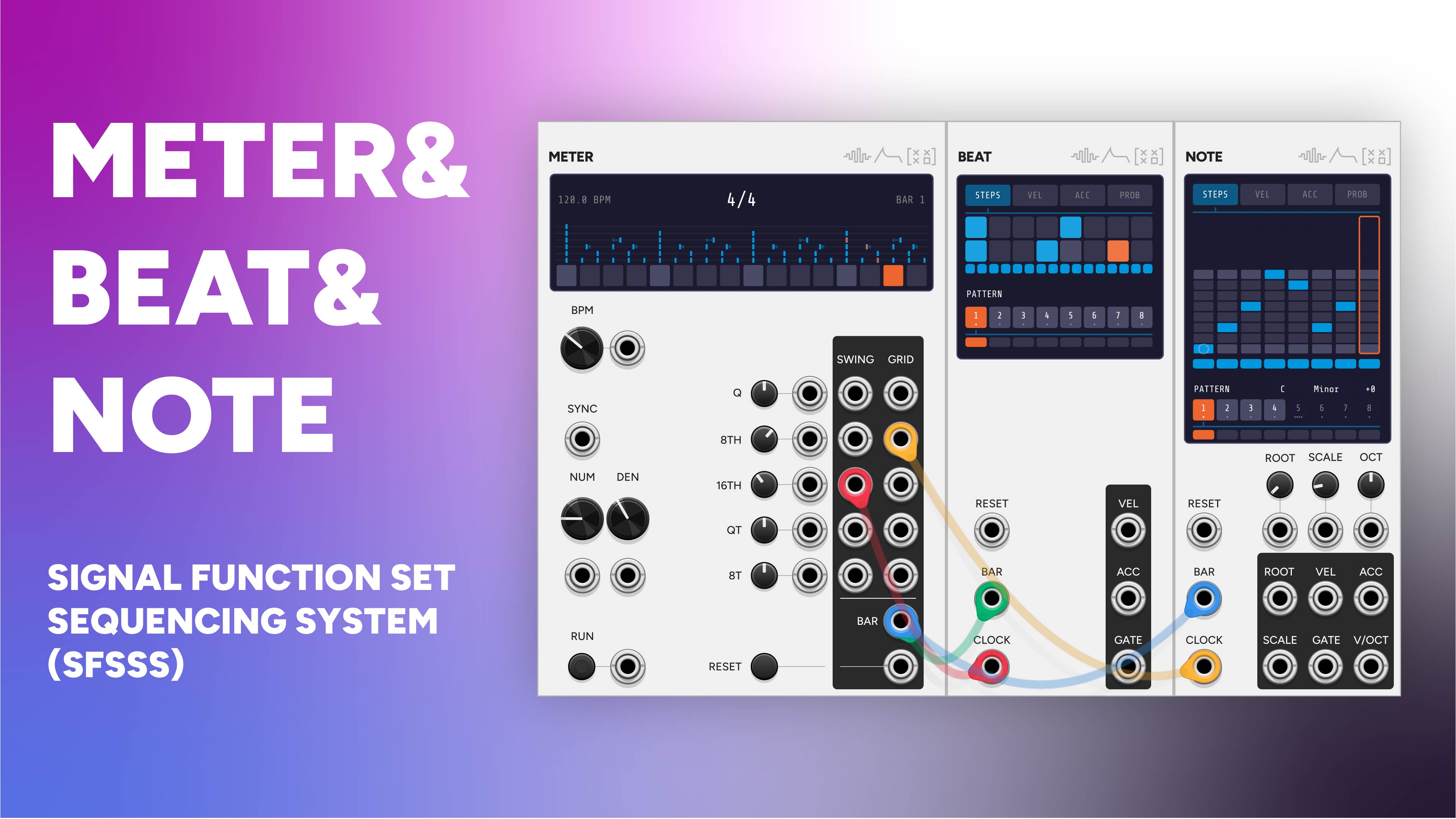
Drive Play from Note for melodic parts or Beat for velocity-layered drums, and sequence its INSTR CV from Arrange's phrase output to change instrument per song section.
-
 Phase
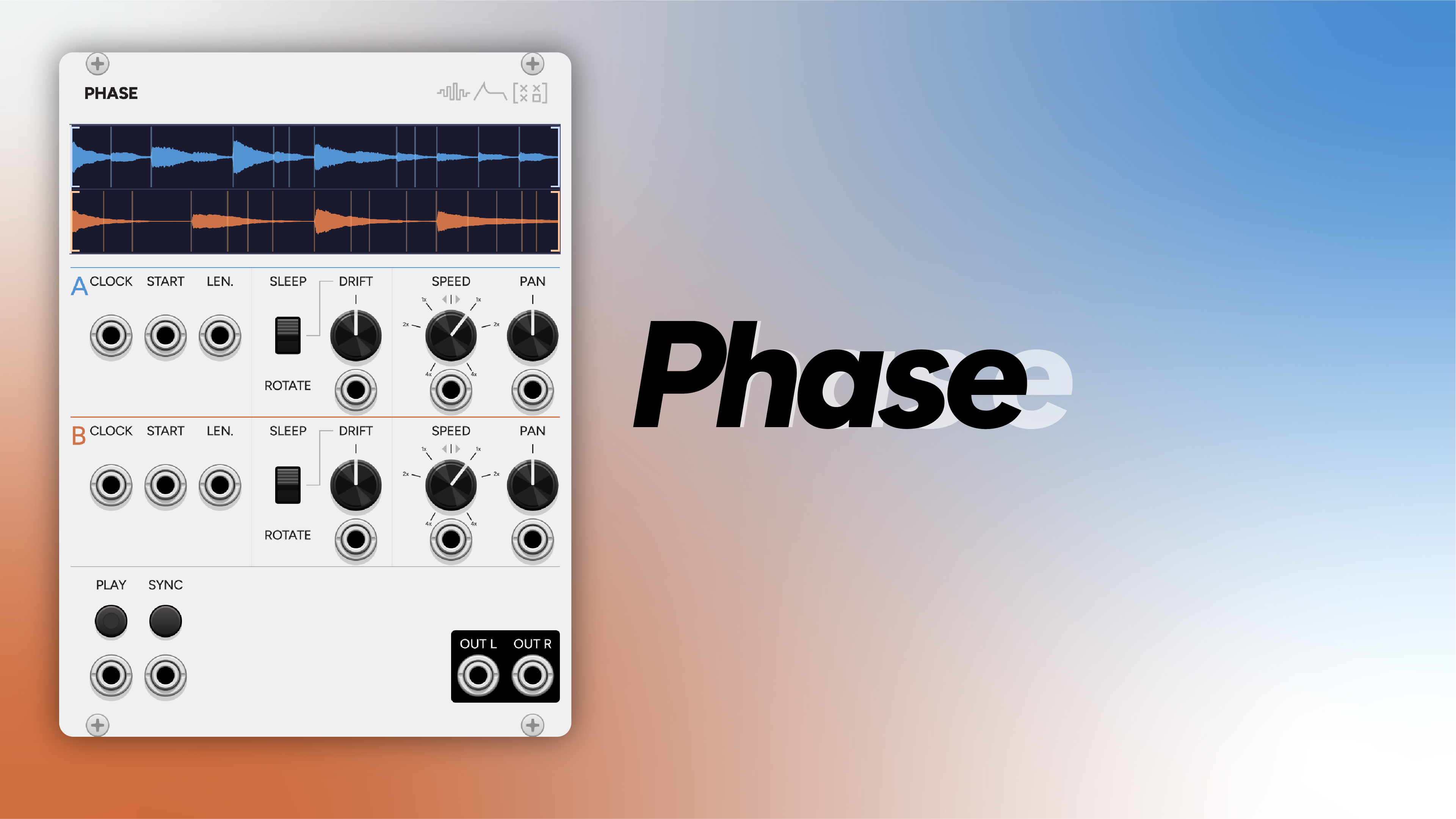
PhasePhase loops and drifts a single sample; Play maps many samples across the keyboard. Two different answers to putting recorded material in a patch.