EYESY Simulator v1.0.0
A native desktop app for developing and previewing Critter & Guitari EYESY video synthesizer modes without the hardware.
This project is not affiliated with Critter & Guitari. I built this to aid my own mode development.
Downloads
| Platform | File |
|---|---|
| macOS (Apple Silicon) | EYESY Simulator-1.0.0-arm64.dmg |
| Windows (x64) | EYESY Simulator Setup 1.0.0.exe |
What is this?
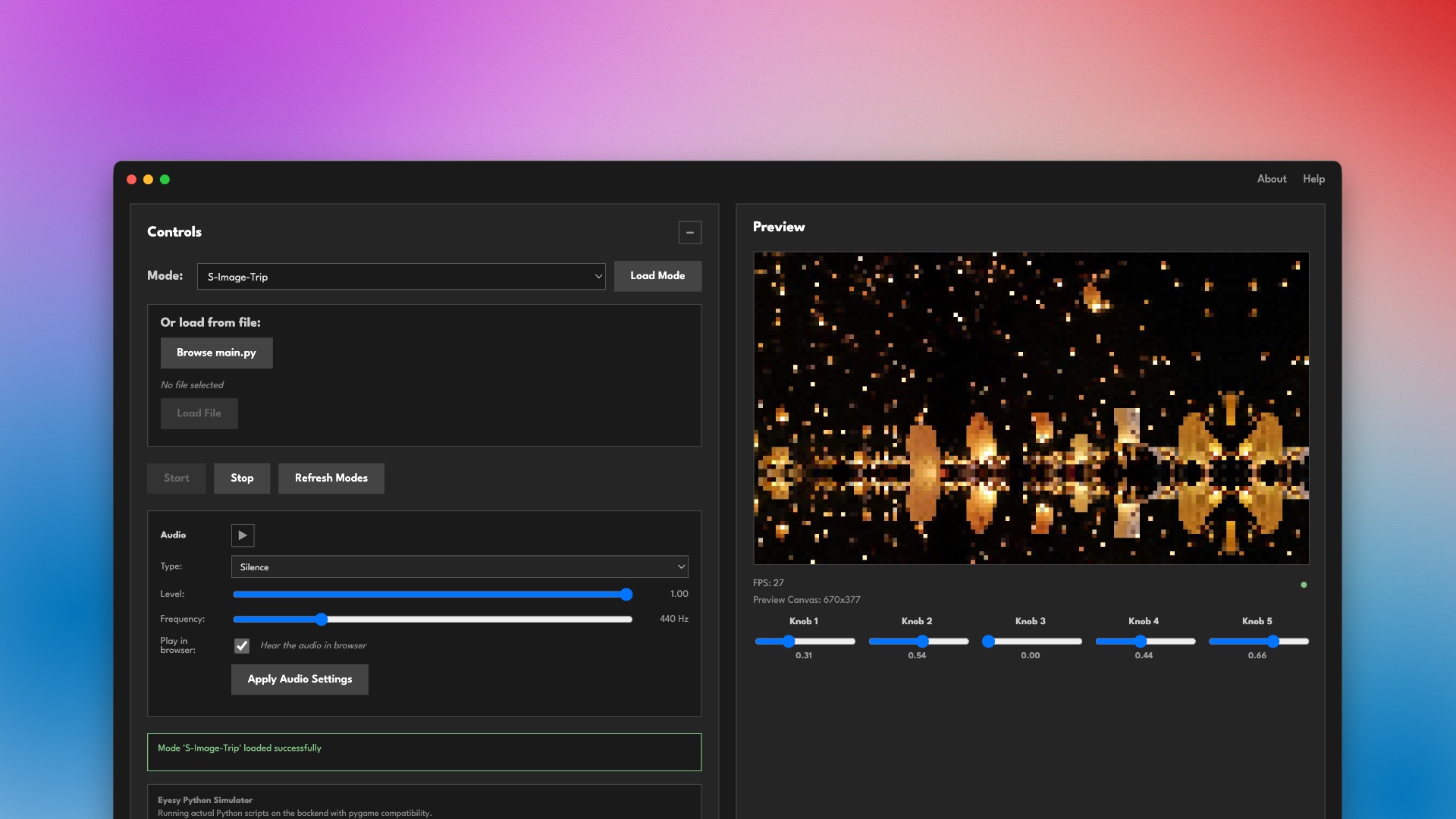
EYESY Simulator runs real EYESY Python/pygame scripts on your computer, rendering visuals in real-time. Write, test, and iterate on modes without needing the physical hardware. It works as an EYESY emulator for development: you build the mode on your laptop, then copy it to the device when it is ready.
Features
- Run real EYESY modes: Point the app at any folder of EYESY modes and load
main.pyscripts directly - Full pygame drawing support:
circle,rect,line,polygon,ellipse,arc,lines,Surface.fill,blit, font rendering, and more - 5 interactive knobs: Real-time parameter control (0.0-1.0), just like the hardware
- Audio simulation: Choose from silence, sine wave, white noise, beat/kick, internet radio or load your own audio file
- Audio-reactive visuals:
etc.audio_in,etc.audio_left,etc.audio_right, andetc.audio_trigall work - 1280×720 canvas: Matches EYESY’s native resolution with 16:9 aspect ratio maintained
- No Python install required: Python 3.11 runtime is bundled with the app
Getting Started
- Download and install for your platform
- Launch the app and select your EYESY modes folder
- Pick a mode from the dropdown and hit Start
- Adjust knobs and audio settings in real-time
Modes are available from the EYESY Modes GitHub repo and Patch Storage.
Simulator vs real hardware
The simulator matches the EYESY’s drawing surface and control layout, but it does not pretend to be an EYESY. The differences that matter:
| EYESY Simulator | EYESY hardware | |
|---|---|---|
| Canvas | 1280×720 | 1280×720 |
| Knobs | 5 on screen, 0.0 to 1.0 | 5 physical |
| Audio | Simulated: silence, sine, noise, beat, internet radio, or your own file | Live audio input |
| Performance | Runs at your computer’s speed | Considerably more constrained |
That last row is the one to watch. The EYESY hardware may be much more resource constrained than your development device, and the simulator does not attempt to simulate those limits. You may get a better frame rate in dev than you will on the actual EYESY. Test early and often on real hardware if you are building anything complex (learned from experience).
Hardware Compatibility
Modes written and tested in the simulator are compatible with real EYESY hardware. For best compatibility, make sure your modes:
- Use
etc.knob1-etc.knob5(not bare globals) - Include
import pygameat the top
System Requirements
- macOS: Apple Silicon (M1/M2/M3/M4), macOS 10.15+. There is no Intel build.
- Windows: 64-bit, Windows 10+
Version history
- 1.0.0 (February 2026): First native desktop release for macOS and Windows. Bundled Python 3.11 runtime, five knobs, simulated audio sources, and full pygame drawing support.
Source
Source for the native app is at stuart78/Eyesy-native. Neither repository carries a licence file at the moment, so the code is published but not formally licensed for reuse.
Web-based Simulator (Legacy)
The original web-based EYESY Simulator is also still available. It runs EYESY Python scripts in your browser via a Python backend that streams frames over WebSocket at 30 FPS. The native app above is the recommended way to develop modes going forward.
Common questions
Can I use the EYESY without the hardware?
Yes, for writing and testing modes. EYESY Simulator runs real EYESY Python and pygame scripts on macOS or Windows and renders the visuals in real time, so you can develop modes with no EYESY connected. You still need the hardware to perform with live audio and video output.
Is the EYESY Simulator free?
Yes. It is a free download for macOS and Windows. The source for the native app and the older web version is published on GitHub.
Do modes built in the simulator run on real EYESY hardware?
Yes. Modes written and tested in the simulator are compatible with real EYESY hardware, as long as they use etc.knob1 through etc.knob5 rather than bare globals and include an import pygame line at the top.
Do I need to install Python to use it?
No. A Python 3.11 runtime is bundled with the app, so there is nothing to install separately.
Does the EYESY Simulator work on Intel Macs?
No. The macOS build is Apple Silicon only and requires an M1, M2, M3, or M4 Mac running macOS 10.15 or later. There is no Intel build. Windows users need 64-bit Windows 10 or later.
How is the simulator different from a real EYESY?
The simulator does not reproduce the hardware's performance limits. Your computer is likely faster than an EYESY, so a mode can run smoothly in the simulator and drop frames on the device. Audio is also simulated rather than live. Test complex modes on real hardware early.
Pair with
-
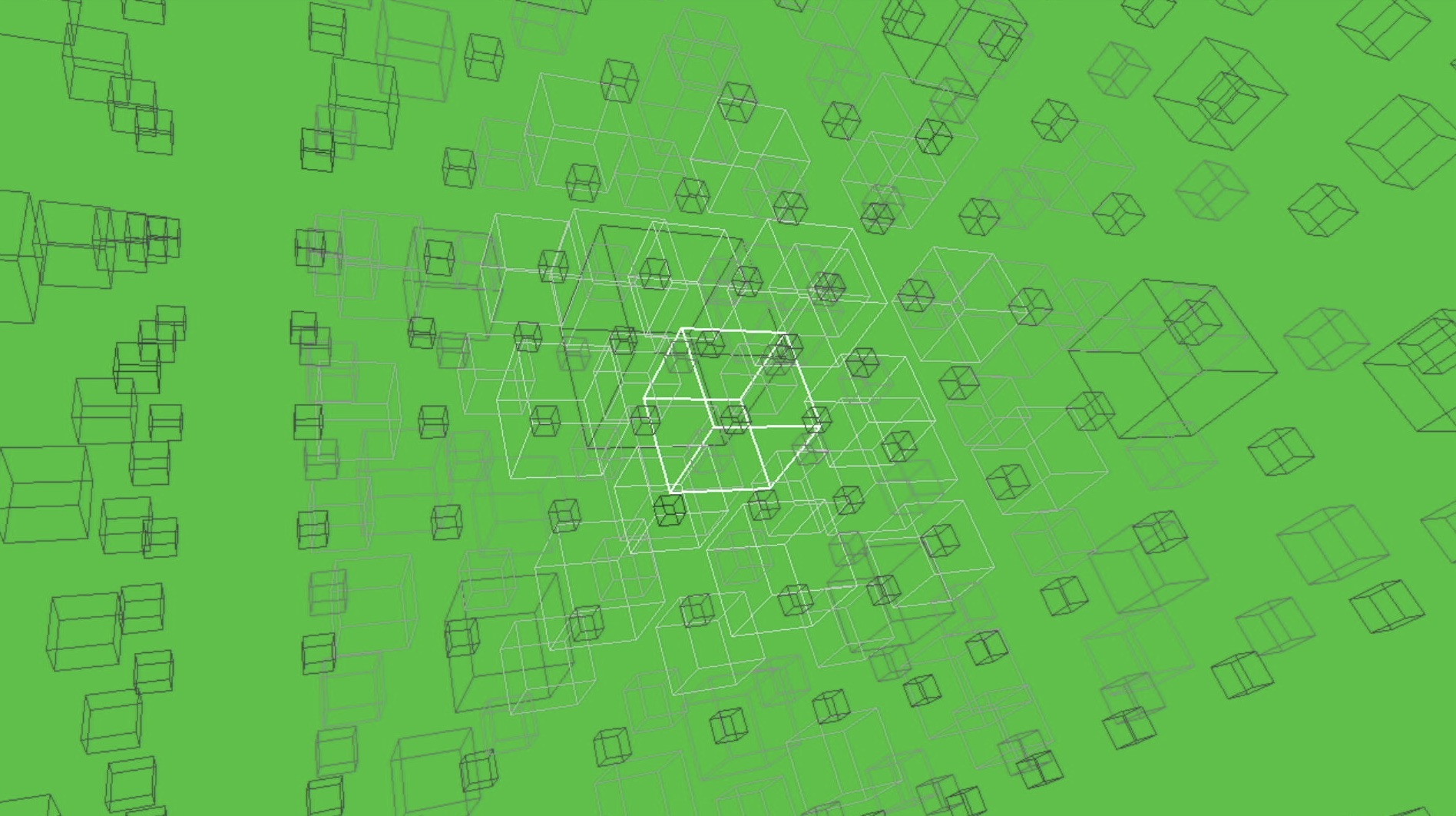 Cubicles
An audio-reactive 3D cube matrix. Load it in the simulator to see how the audio bindings drive brightness.
-
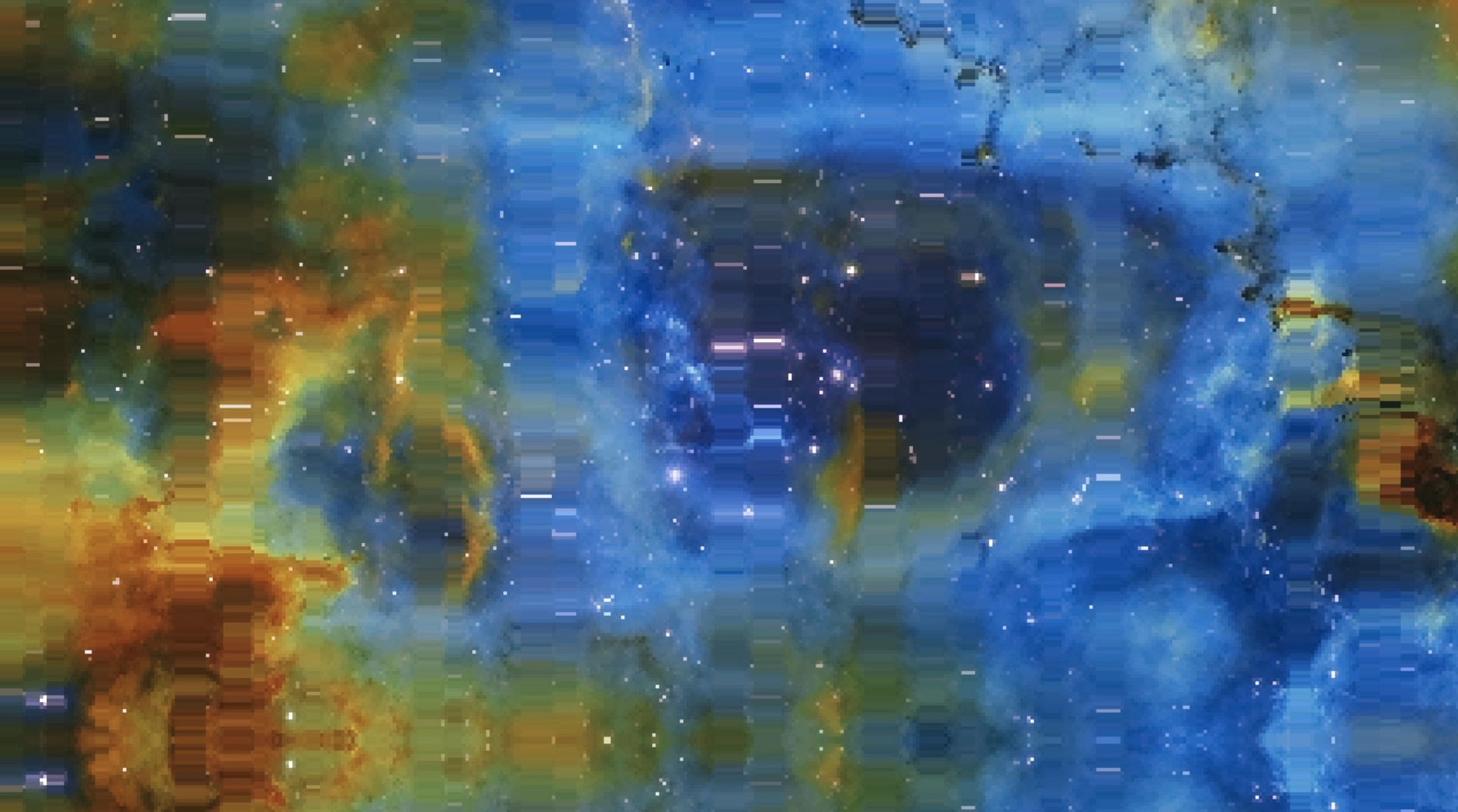 Image Trip
A mode built around image loading, useful for testing how assets behave before moving to hardware.
-
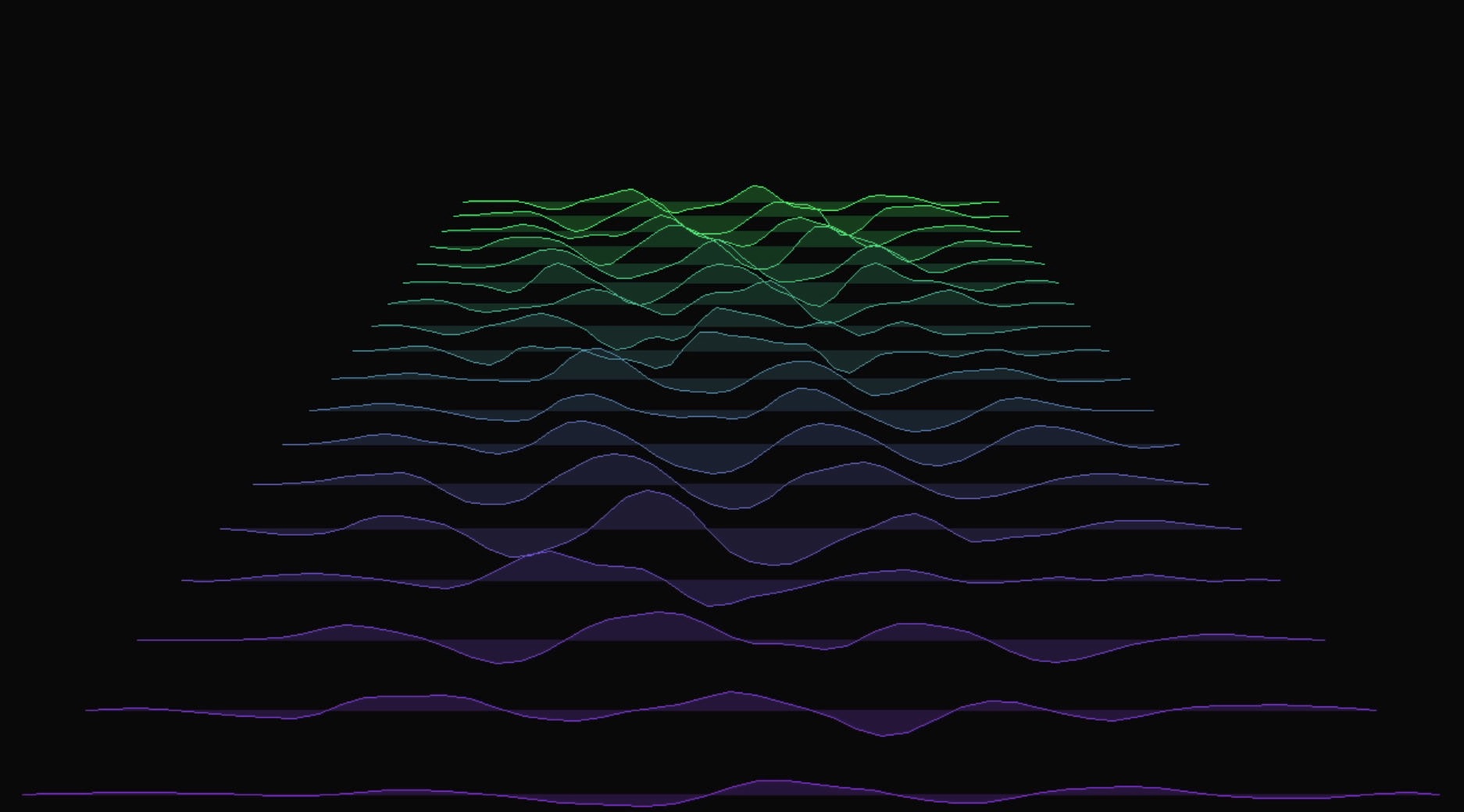 String Vibrations
Physical-modelling visuals that lean on per-frame drawing, a good stress test for frame rate.
-
 Tempestuous
A dense particle mode. Worth profiling on the device after you prototype it here.