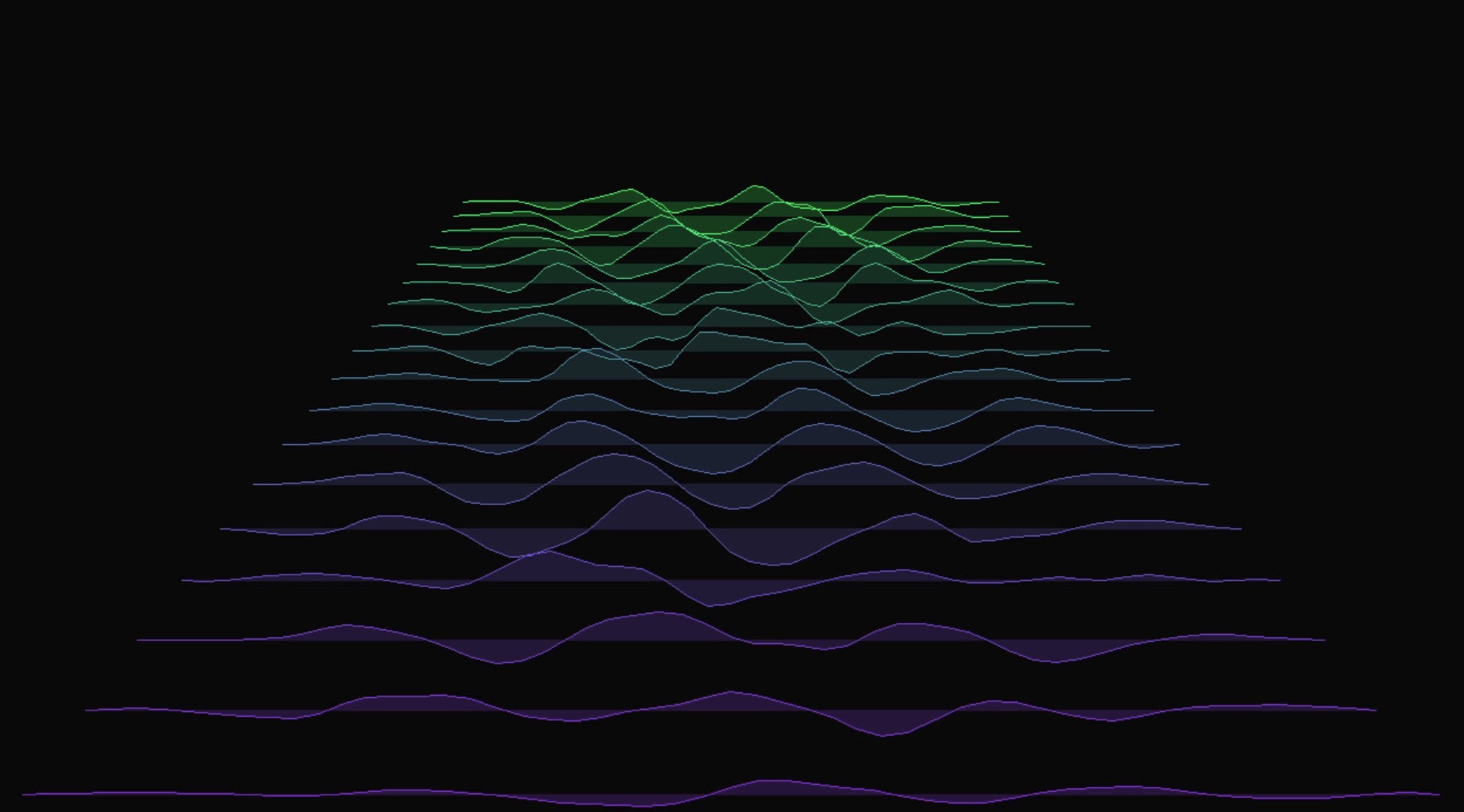
String Vibrations draws sound as a field of vibrating strings projected in 3D space. When audio plays, each string displays the waveform at a different moment in time, so the display works like a scrolling oscilloscope in which the shape of each waveform moves across the screen from left to right. Without audio input, the strings move in a slow sine-wave pattern.
Controls
- Knob 1: Number of strings (8 to 64).
- Knob 2: Vibration amplitude and smoothness. At zero the strings are still and smooth, and at full they move as far as they can and their edges are not smoothed.
- Knob 3: X-axis rotation, which tilts the string field forward and back.
- Knob 4: Z-axis rotation, which spins the field clockwise or counter-clockwise.
- Knob 5: Color mode, with 10 options:
- White
- Rainbow (per-string hue)
- Audio-reactive hue shift
- Solid green
- Solid red
- Green to purple gradient
- White to black gradient
- Light pink to light blue gradient
- Warm cream to hot pink gradient
- Pastel trio (cream, blue, pink)
How It Works
The mode maintains a rolling buffer of audio frames. Each string samples from a different point in this history, with the leftmost string showing the oldest audio and the rightmost showing the newest. Points along each string correspond to samples in the waveform, so the recent audio is drawn as a three-dimensional surface with time along one axis and amplitude along another. A perspective projection draws the field in depth, and the rotation controls let you view it from different angles.
Download
Download String Vibrations on Patchstorage.