
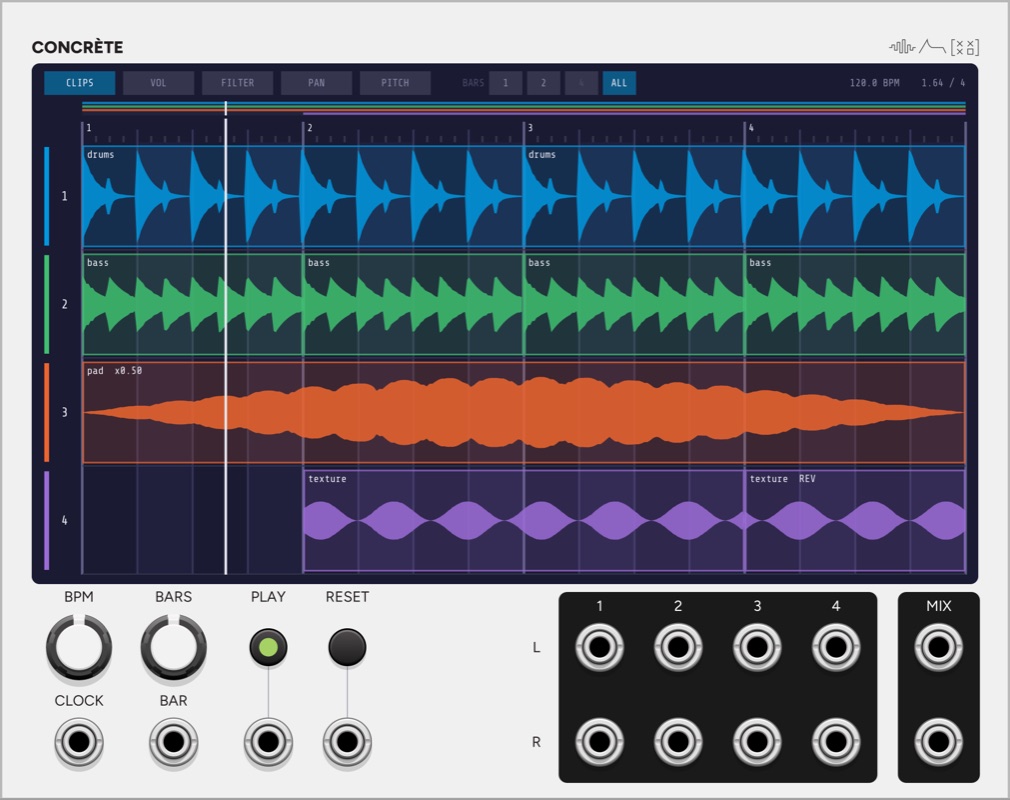
Concrète holds samples in four lanes on one tape loop of 1 to 8 bars, with one playhead running over all four. You place, trim and splice clips on the screen, draw volume, filter, pan and pitch curves across the loop, and with the Concrète In expander you record into the lanes as the tape moves. Its name refers to musique concrète, the tape-based composition that the French composer and broadcaster Pierre Schaeffer began in Paris in 1948.
Clips on a loop
A clip is a window into a sample, placed at a bar position and played at its own speed. A lane plays the clip that started most recently at or before the playhead. A clip therefore runs until its audio ends, the next clip on the lane starts, or the loop ends. The loop end cuts a clip off and nothing carries round into bar 1, as on a real tape loop. Lengthening a clip does not remove anything, because it runs into the next clip and is cut there.
Putting a clip down is a splice. Dropping a file, moving a clip or finishing a recording replaces what the new clip covers, and a clip it landed in the middle of carries on after it from where that audio had reached. A clip that covers another entirely replaces it.
Speed is varispeed, as on tape, so pitch and length change together: a clip at x0.5 is an octave lower and twice as long on the timeline. The range is x1/8 to x8, and a clip can be reversed. A clip can instead follow the tempo, which keeps it the same number of bars long and works out its speed from the bar length. A loop recorded at another tempo lands on the grid that way, and its pitch follows the tempo.
Editing on the screen
On the CLIPS tab, drag a clip’s body to move it, including to another lane. Hold Ctrl (Cmd on a Mac) while dragging to drag a copy. Drag the left or right edge to trim, and the time in the sample is shown while you drag. Holding Ctrl while trimming moves the edge at 1/16 of the mouse’s speed and Ctrl+Shift at 1/256, off the grid, with a magnified view of the audio around the edge. Shift-dragging the right edge changes the speed, keeping the window into the sample and changing its length on the tape.
Drop WAV or FLAC files on a lane to place them at that bar, and several files go one after another. Right-click a clip for its speed, Reverse, Follow the tempo, Restore the whole sample, Duplicate after it and Delete, or right-click an empty part of a lane to load a sample there. Click a clip to select it, and Delete or Backspace removes it. Over the screen those keys act on the clip and leave the module in place.
The header shows 1, 2 or 4 bars of the loop, or all of it, always starting on a bar line. Ctrl or Cmd with the scroll wheel steps through the same sizes. The strip under the header always shows the whole loop, and dragging in it moves the view. A zoomed view turns the page when the playhead leaves it, and it stays where you put it for three seconds after you touch it.
Curves
The VOL, FILTER, PAN and PITCH tabs each draw one curve per lane across the loop. A curve is a set of points joined by straight lines. Click to add a point and drag to move it. Double-click, right-click or press Delete to remove it. Two points on one bar make a step, and a curve holds its first and last values beyond its ends.
| Curve | What it does |
|---|---|
| VOL | Sets the level from silence to unity, on a square law. |
| FILTER | Sets a DJ-style filter, the same design as Phase: lowpass below the centre, highpass above it, and straight through within 5% of the centre. |
| PAN | Sets the balance. The centre leaves both sides alone, and full right silences the left. |
| PITCH | Sets varispeed on the whole lane, an octave up or down. Pitch and duration change together, so a clip under a raised curve runs out before its drawn end, and one under a lowered curve is cut off by the next clip or the loop end. Points land on semitones while the snap is on. |
Each lane runs clip, then VOL, FILTER and PAN, and that signal goes to the lane’s own L and R outputs. The four lanes sum to the MIX outputs, which are soft-clipped, linear to 6 V and approaching 10 V.
Tempo and the clock
| Patched | The bar length comes from |
|---|---|
| CLOCK and BAR | The clock period times the clocks counted between BARs. |
| CLOCK | The clock period times “Clocks per bar with BAR unpatched” in the menu, 16 by default. |
| BAR | The time between BARs. |
| Neither | The BPM knob, at four beats to the bar. |
A clock drives the playhead. Each edge puts the playhead exactly on its grid position, and between edges it moves at the measured rate without passing the next clock. After 1.5 clock periods with no edge the tape stops and every lane fades out. The first clock after a reset is the downbeat of bar 1. BAR moves the playhead to the nearest bar line, so a BAR that arrives a sample before or after its clock lands on the same bar. A playing clip reads its audio at its own rate, so a late clock moves the playhead and leaves the audio alone.
PLAY is a latch, and the PLAY gate overrides it when patched. Stopping holds the playhead where it is. RESET returns to bar 1, and clicking the ruler moves the playhead. Every edge is faded over 3 ms: a clip starting, being cut or ending, the loop end, a reset and a seek.
Saving
Loaded samples are kept by path, and “Keep copies of loaded samples in the patch” also copies them into the patch. Recordings have no file of their own, so they are written into the patch as 16-bit stereo WAV files. A sample that cannot be found stays on its lane, marked as missing, with its place and length kept.
Inputs and outputs
Inputs: CLOCK, BAR, PLAY and RESET.
Outputs: L and R for each of the four lanes, and the L and R mix.
Context menu
The menu sets the snap to the clock grid (Ctrl or Cmd while dragging inverts it), the clocks per bar with BAR unpatched, whether the playhead resets when PLAY starts, whether a zoomed view follows the playhead, and whether copies of loaded samples are kept in the patch. It also clears every lane and resets every curve.
Patch ideas
A tape piece from four sounds. Load a long recording into each lane at different speeds. Set BARS to 8, trim short windows and splice them onto the loop, then draw PITCH curves so the lanes rise and fall against each other.
Clocked from Meter. Patch Meter’s sixteenth output to CLOCK and its BAR output to BAR. Turn on Follow the tempo for each clip, and the clips stay in place at any tempo Meter sets.
Separate effects per lane. Patch one lane’s L and R outputs through a delay and another’s through a reverb, and leave the mix unpatched.
Filter sweeps by hand. Draw a FILTER curve that moves from lowpass through the centre to highpass over the last bar of the loop, and copy it to every lane from the curve’s right-click menu.
In the synthesis guide
- Sampling: Speed, Pitch, Loops and Reverse
A sampler plays a recording back as an instrument. Changing the playback speed changes the pitch and the length together, and loops let a short recording sustain.
Pair with
-
 Concrète In
 records into the lanes. Place it to Concrète's left, and each lane gets stereo inputs and a record control.
- Meter
Meter's CLOCK and BAR outputs drive the playhead, so the loop stays on Meter's bars and stops when Meter stops.
-
 Phase
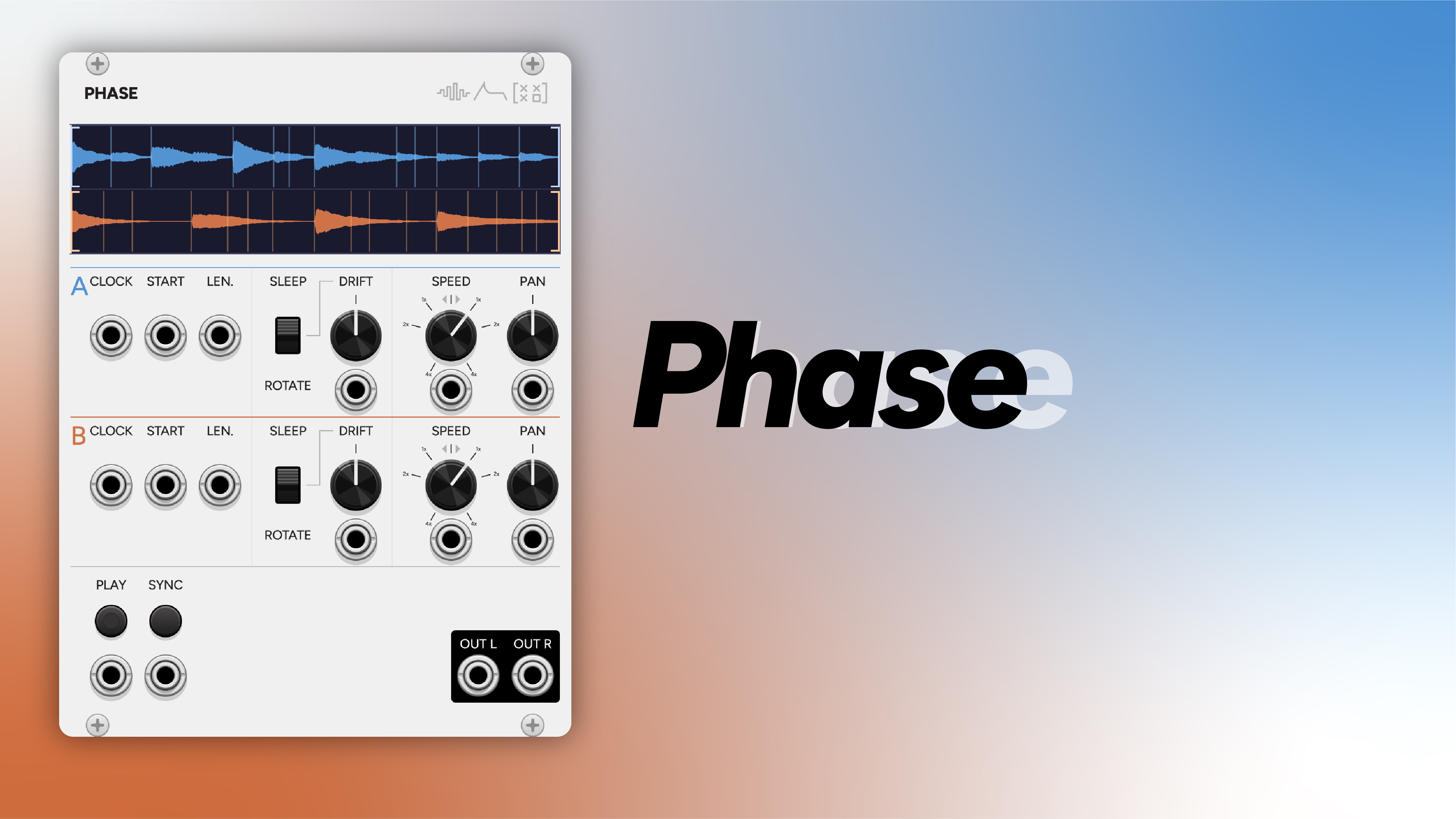
Phase loops two samples that drift apart, and a Concrète lane can hold a take recorded from it, placed on the bar where it was made.
-
 Slice
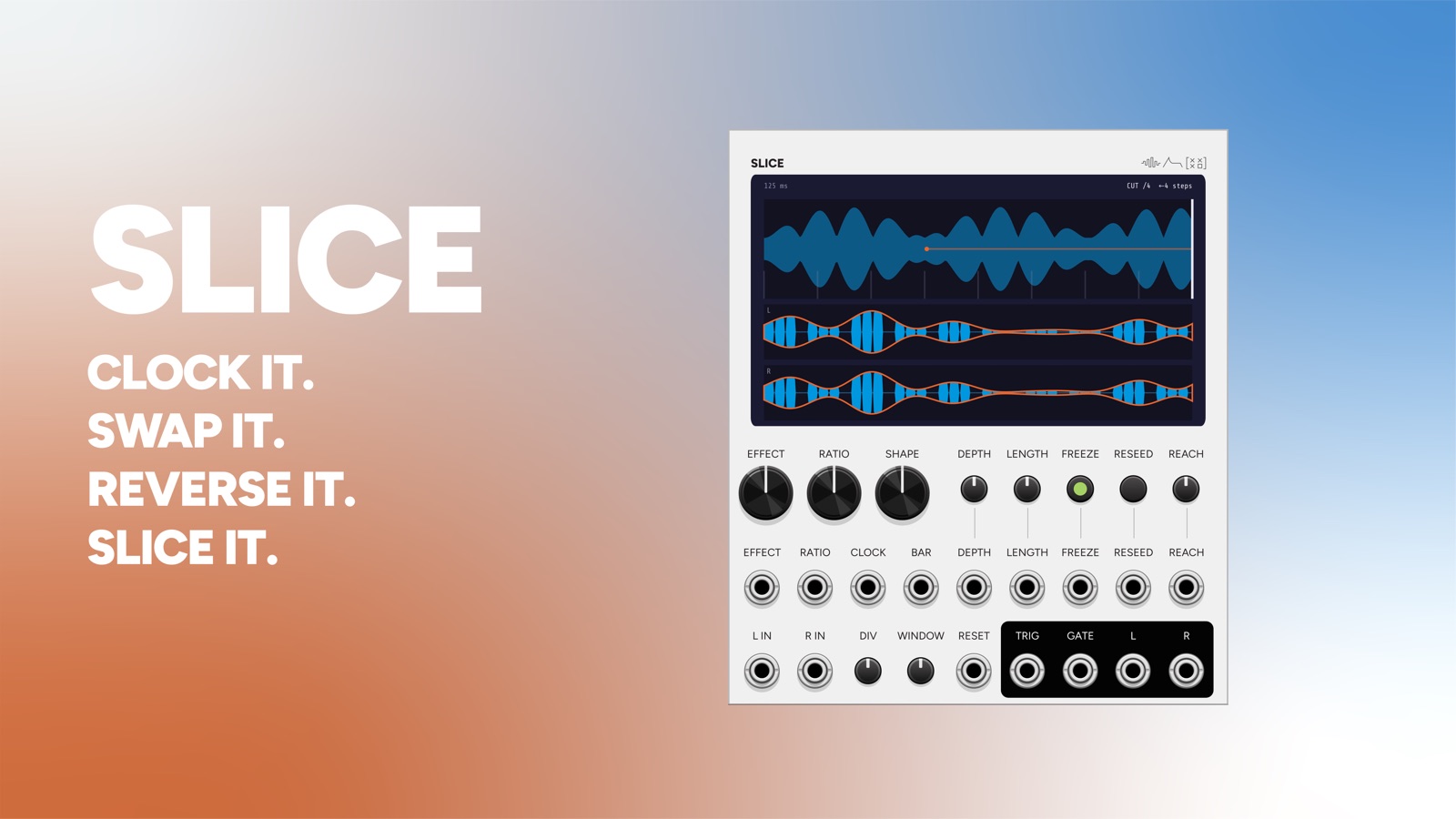
One lane's outputs into Slice rework that lane on a grid while the other three lanes play straight.