
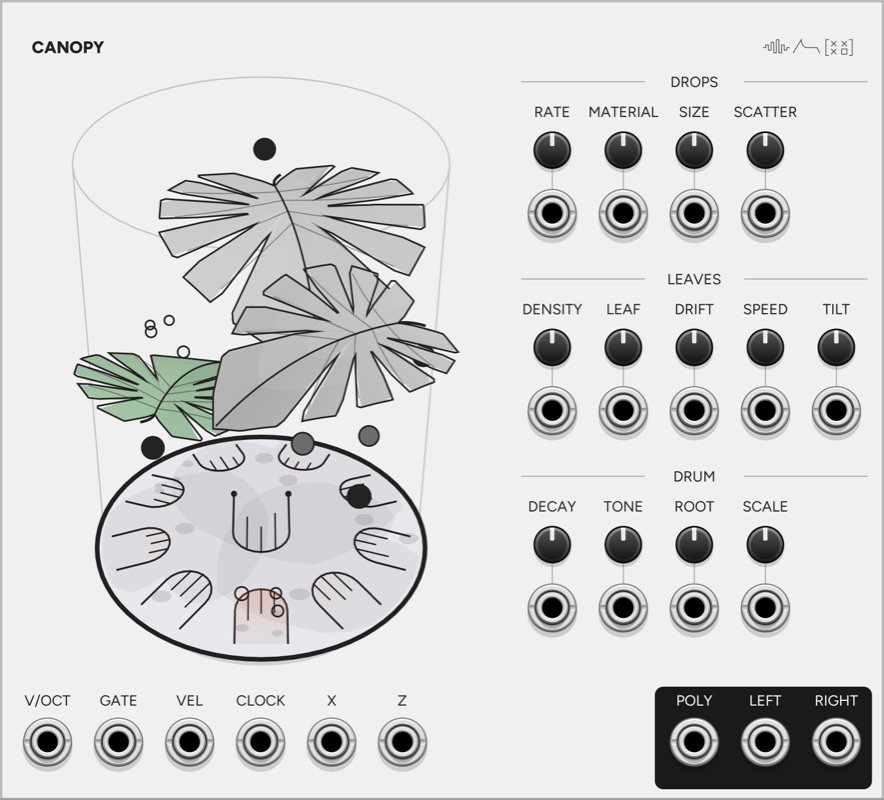
Canopy is a steel tongue drum played by drops falling past leaves you place. Drops appear above the drum and fall under gravity, bounce off the leaves, and sound the drum where they land. A drop that bounces lands again, so one drop can play several notes. You can also strike the tongues directly from the GATE input, with or without drops falling. The screen is drawn from the same model as the sound, so a drop seen landing on a tongue is the note you hear.
The drum and the drops are modelled from their physics, but many of the values are estimates. I found little published measurement of tongue drums, so the overtones of a tongue and the material values were chosen by ear and by measuring the module. The effect of where a drop lands comes from the physics: the model reads the mode shapes of a beam clamped at one end at that position, so a hit near the free end of a tongue sounds different from a hit near its root.
The drum
Every landing makes a sound, because the whole top of the drum is one piece of steel. A drop on a tongue rings that tongue at full strength and its neighbours faintly. A drop between tongues rings the nearest ones quietly with fewer of their overtones and sounds the shell louder, which gives a muted version of the notes nearby. A leaf hit makes no sound. It changes where the drop goes next and how fast it is moving, and the leaf’s effect on the sound comes through those two things.
ROOT and SCALE set the notes, and SCALE also sets how many tongues the drum has. A scale of up to eight notes gets two octaves and a longer scale gets one octave, with at least 3 tongues and at most 16. A pentatonic scale therefore has 10 tongues, a major scale has 14 and chromatic has 12. The lowest note is the big tongue in the middle, and the others go round it, rising up alternate sides from the front to the back. A new module opens on Pentatonic Minor, which is not the bottom of the scale list, so a plain SCALE voltage adds to that position until you turn the knob down. A cable from Key replaces the knob. The menu moves the lowest tongue between the octaves starting at C2, C3 and C4.
Drops
| Control | What it does |
|---|---|
| RATE | Sets the rate from 0.05 to 12 drops a second. Each volt of CV doubles it, and a patched CLOCK replaces it with one drop per pulse. |
| MATERIAL | Chooses water, rubber, wood, glass or steel. With Mix, each drop picks one when it appears and keeps it. |
| SIZE | Sets the drop’s diameter, from 16 to 49 mm on a 45 cm drum. |
| SCATTER | Sets the width of the column the drops fall through, from a single point to the full width of the drum. |
Material sets a drop’s weight, how long it stays in contact with the steel, and how well it bounces. A heavier drop is louder. A longer contact keeps the fundamental and loses overtones, so rubber produces few overtones and steel produces many. The contact time scales with size and with speed to the power of minus one fifth, following the physicist Heinrich Hertz’s model of two elastic bodies colliding, so size and material change it far more than speed does. The contact times are longer than a real ball’s, because at real values all five materials would excite the tongues in the same way.
Water does not bounce. A drop of water strikes the drum once and breaks into pieces about half its radius, which strike again, and a large drop breaks twice, so it goes to medium drops and then small ones. A drop that has settled on the drum for 1.5 seconds, or has been in play for 15 seconds, rolls off the rim.
The X and Z inputs move the column across the drum and from front to back, with ±5 V covering edge to edge. The column narrows as it moves so that it stays over the drum.
Leaves
| Control | What it does |
|---|---|
| DENSITY | Sets how many leaves are in play, from 0 to 12. The default is 3. |
| LEAF | Chooses leaf, felt, rubber, wood, glass or steel. With Mix, each leaf has a different material. |
| DRIFT | Sets how far each leaf moves from where you placed it. At zero it stays exactly where it was put. |
| SPEED | Sets how fast the leaves drift, from 0.02 to 1.5 Hz. |
| TILT | Sets how far each leaf turns and rocks as it drifts. |
Each leaf is a curved surface that arches along its length, folds up from the midrib and twists, and the drawing and the physics read the same surface. A drop runs along the fold and off an end. A leaf also bends: a hit pushes it down in proportion to the drop’s mass and speed and its distance from the stem, and it springs back. A drop lying on a leaf that is coming back up gets thrown.
The material sets how much of its bounce a drop keeps, how much it slides and how the leaf bends. Over a level monstera, a glass marble rebounds at 0.08 of its speed off felt, 0.22 off leaf, 0.31 off wood, 0.54 off glass, 0.93 off steel and 1.03 off rubber, the last because the rubber leaf is springing back as the marble leaves it. Water soaks into felt and breaks up on steel.
The menu chooses the form of the leaves: monstera (the default), beech, maple, ginkgo, oak, willow, or all forms in turn. The sizes are in proportion to each other and to a drum assumed to be 45 cm across: monstera 30 cm from tip to stem, oak 15, maple 12, beech 10, willow 8 and ginkgo 6. The beech and monstera sizes come from published ranges, and the other four are my estimates. A small form meets far fewer drops than a large one. With 8 leaves in play, about a third of the drops touch a ginkgo or willow leaf and all of them touch a monstera, so raise DENSITY for a small form. The physics reads the outline of the form as well as its size, and a small drop falls straight through a monstera’s cut.
The screen
The view is a 3D perspective drawing on the faceplate. Drag a leaf to move it level, and shift-drag it to change its height. Dots appear at the ends of a leaf when the pointer is over it, and dragging one steers the leaf without changing its size. Dragging empty space orbits the camera.
A ringing tongue dips and fills from grey where it joins the drum to orange at its free end. A leaf turns green briefly when a drop hits it, more strongly for a harder hit. A drop is a circle, darker for heavier, and water is an outline. Each drop has a shadow on the drum, which shows its height.
Inputs and outputs
V/OCT, GATE and VEL are polyphonic and play the drum with no drops. GATE strikes a tongue, and V/OCT selects the tongue nearest the note, moved by octaves into range. With V/OCT unpatched, gate channel N strikes tongue N. VEL sets how hard a gate strikes from 0 to 10 V, and a gate strikes at 70% with VEL unpatched. MATERIAL and SIZE act as the mallet.
DECAY sets the ring time from 0.25x to 4x and TONE sets the level of the overtones. Every control in the DROPS, LEAVES and DRUM groups has a CV jack under it. DENSITY reads 1 V per leaf, MATERIAL and LEAF read 1 V per material, and SIZE, SCATTER, DRIFT, SPEED, TILT, DECAY and TONE cover their whole range over ±5 V.
POLY carries one channel per tongue, lowest note first, and LEFT and RIGHT carry the stereo mix.
Context menu
The menu sets how the ROOT input is read (1V/oct, 1 V per semitone, or 0-10 V across the 12 notes), the lowest tongue and the leaf form. It also switches the drops to even spacing, since the gaps between them are random by default, and resets the leaf positions and the view.
Video
This is a longer demo of Canopy, played from GATE and V/OCT and with drops of different materials falling past different leaf forms.
Example patch
You can download Canopy Meditation, a complete VCV Rack patch built around Canopy. Count clocks Chance and moves Hocket’s selection, so that Chance’s melody passes between two Sigma voices. Chime plays alongside them and feeds a 4ms Dual Looping Delay. Field’s outputs modulate Canopy’s DRIFT and settings on Chance, Sigma and Chime, and the main mix from MindMeld MixMaster goes through Cistern and VCV Compressor.
The patch needs those plugins installed, and VCV Compressor comes with VCV Rack 2 Pro. Without VCV Compressor, the patch makes no sound until you connect Cistern’s outputs directly to the Audio module. The Audio modules are saved with the devices I recorded on, so choose your own output device after opening the patch.
Patch ideas
Rain on a pentatonic scale. Leave the defaults and patch LEFT and RIGHT into a reverb. Turn SIZE down and RATE up for light rain, or set MATERIAL to water and SIZE up for drops that break apart.
Clocked marbles. Patch a slow clock to CLOCK and set MATERIAL to glass. Each pulse releases one marble, and its bounces land at times set by its height and speed rather than by the clock.
A melody over the rain. Patch V/OCT and GATE from a sequencer. The sequencer plays the tongues directly while the drops land on the same drum.
Moving the rain. Set SCATTER low and patch slow LFOs to X and Z. The drops move across the tongues, so the LFOs set which notes sound.
One effect per tongue. Patch POLY into a polyphonic filter, or split it, to process each tongue separately.
In the synthesis guide
- Physical Modelling Synthesis Explained
Physical modelling recreates the sound of a string, a tube or a drum head by calculating how the object vibrates.
Reference
- Root and Scale CV
This reference lists the voltage for every root and scale, how each module responds to them, and the format of the scale bus.
Pair with
-
 Key
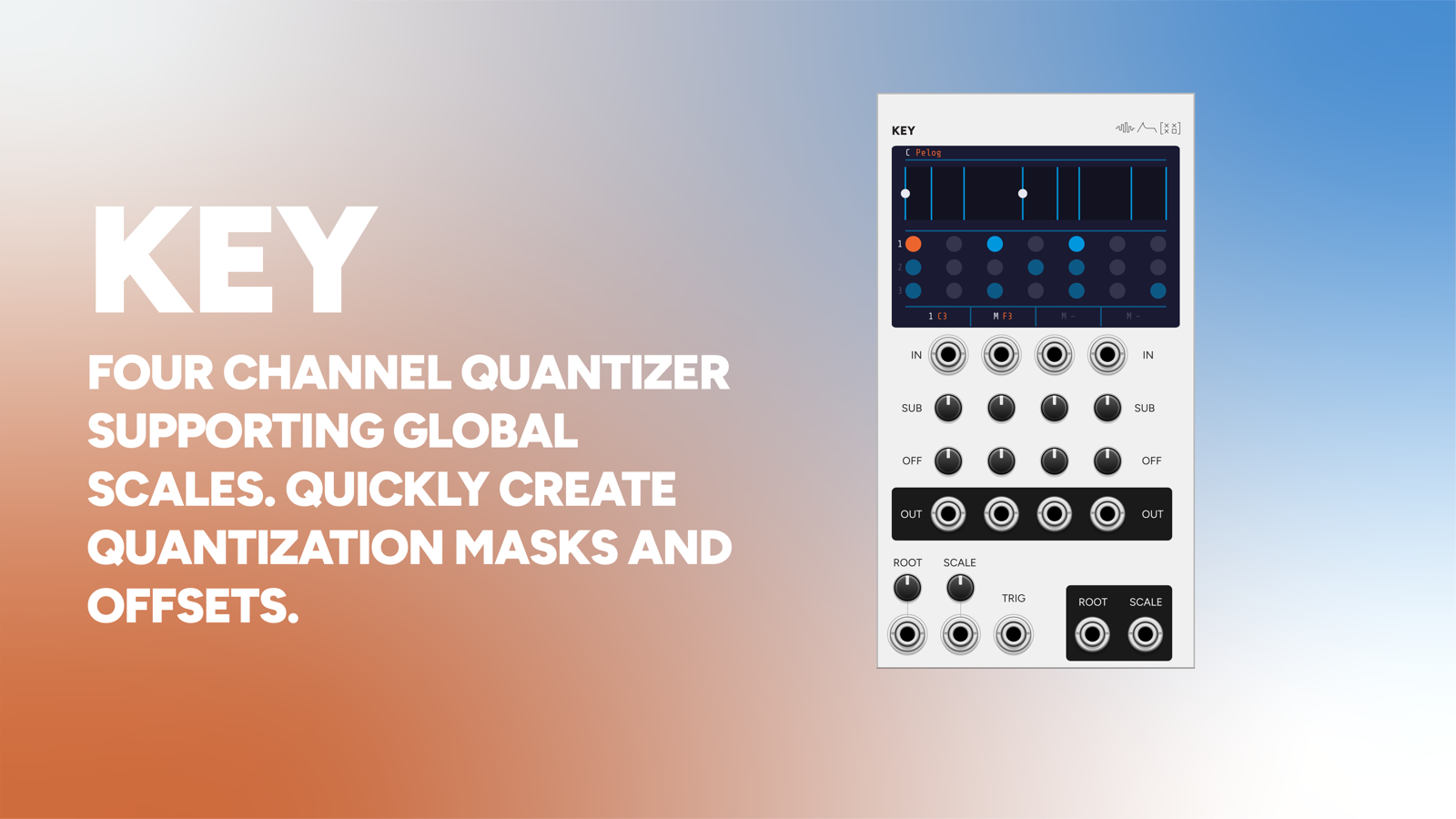
Key's ROOT and SCALE outputs set Canopy's notes, and the number of tongues on the drum follows the scale Key sends.
-
 Note
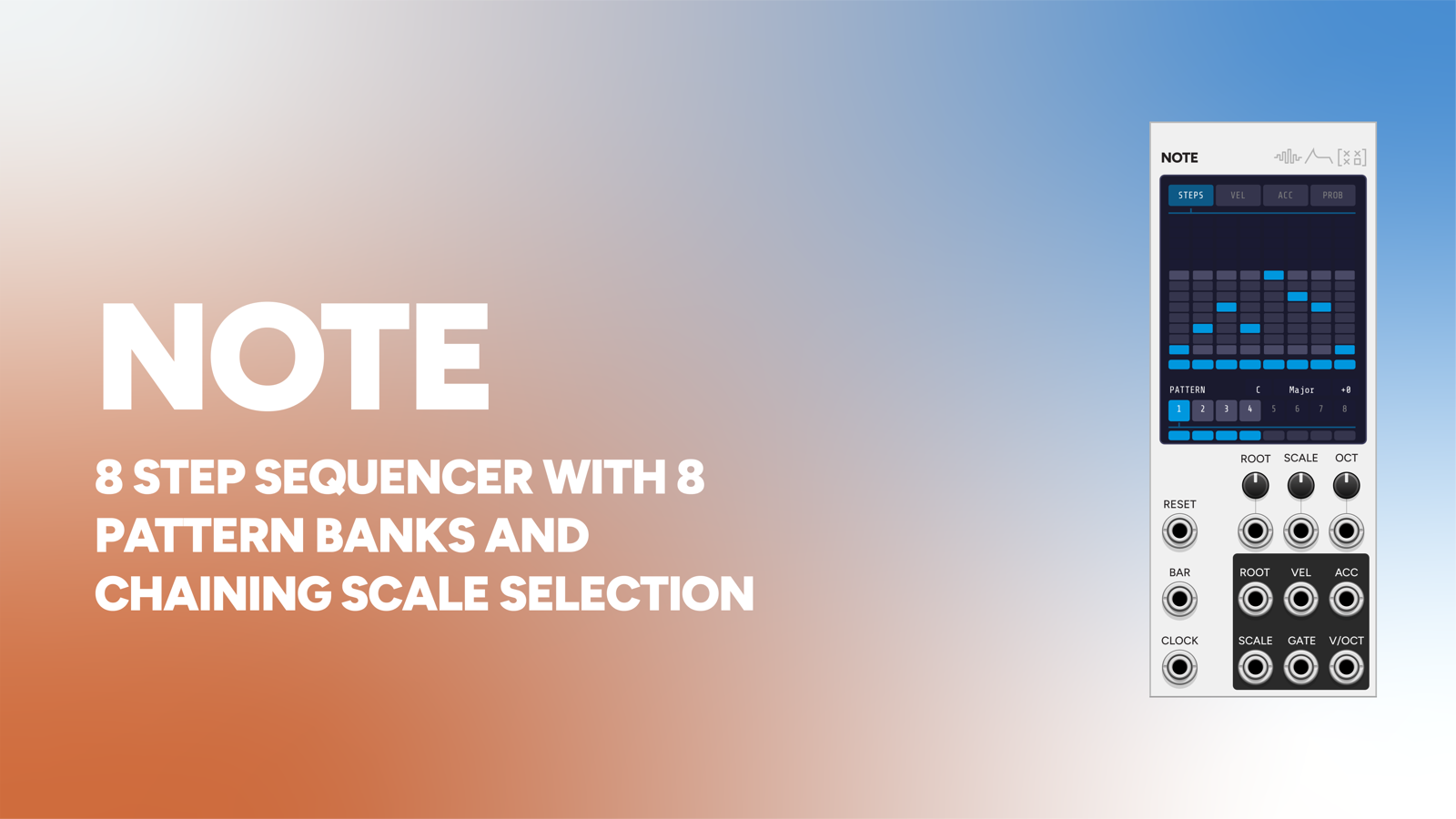
Note's V/OCT and GATE strike the tongues directly, so a sequenced melody plays on the same drum the drops are landing on.
-
 Count
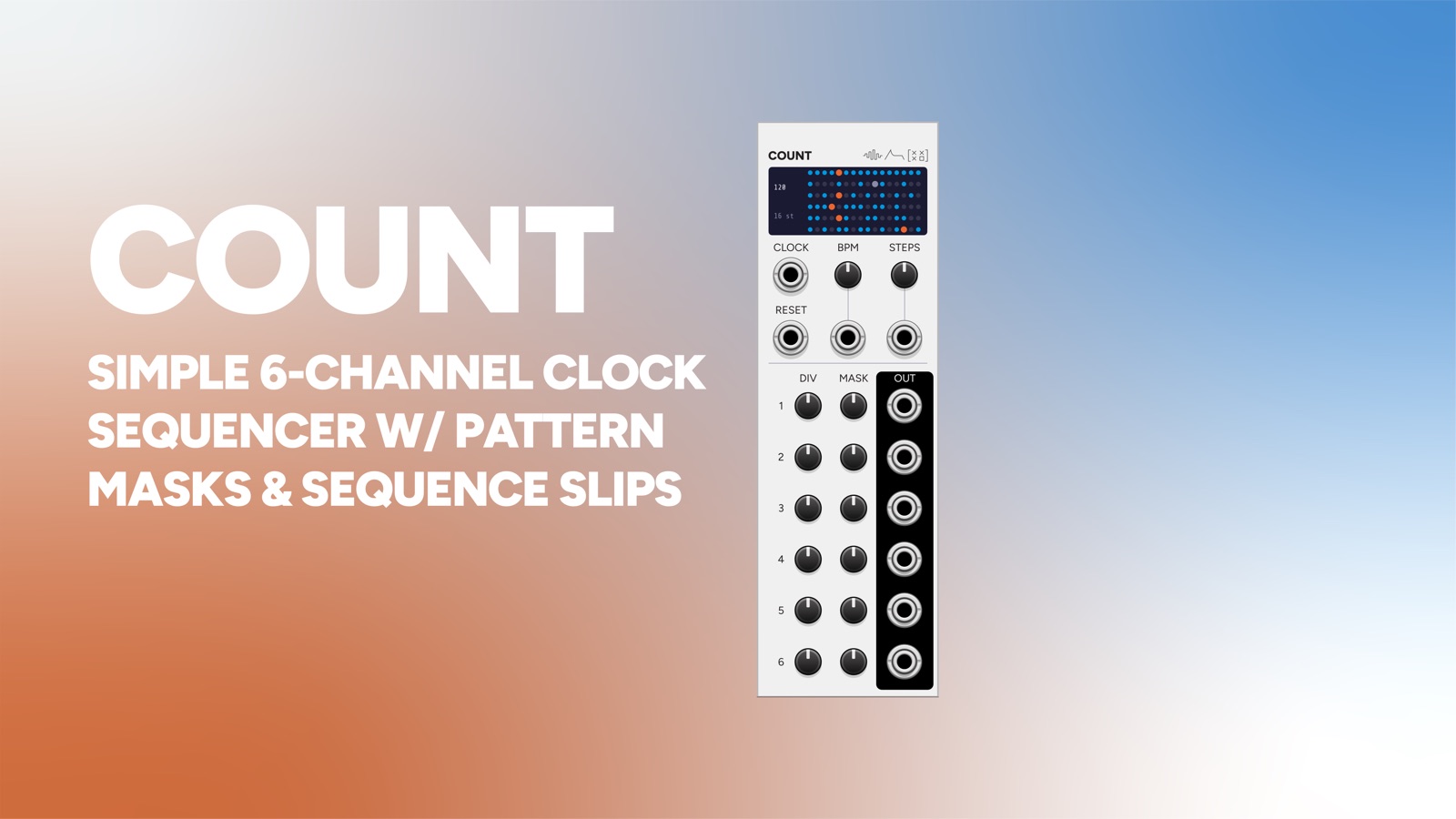
One of Count's gate outputs into CLOCK releases a drop on each pulse, and that output's mask sets which pulses release one.
-
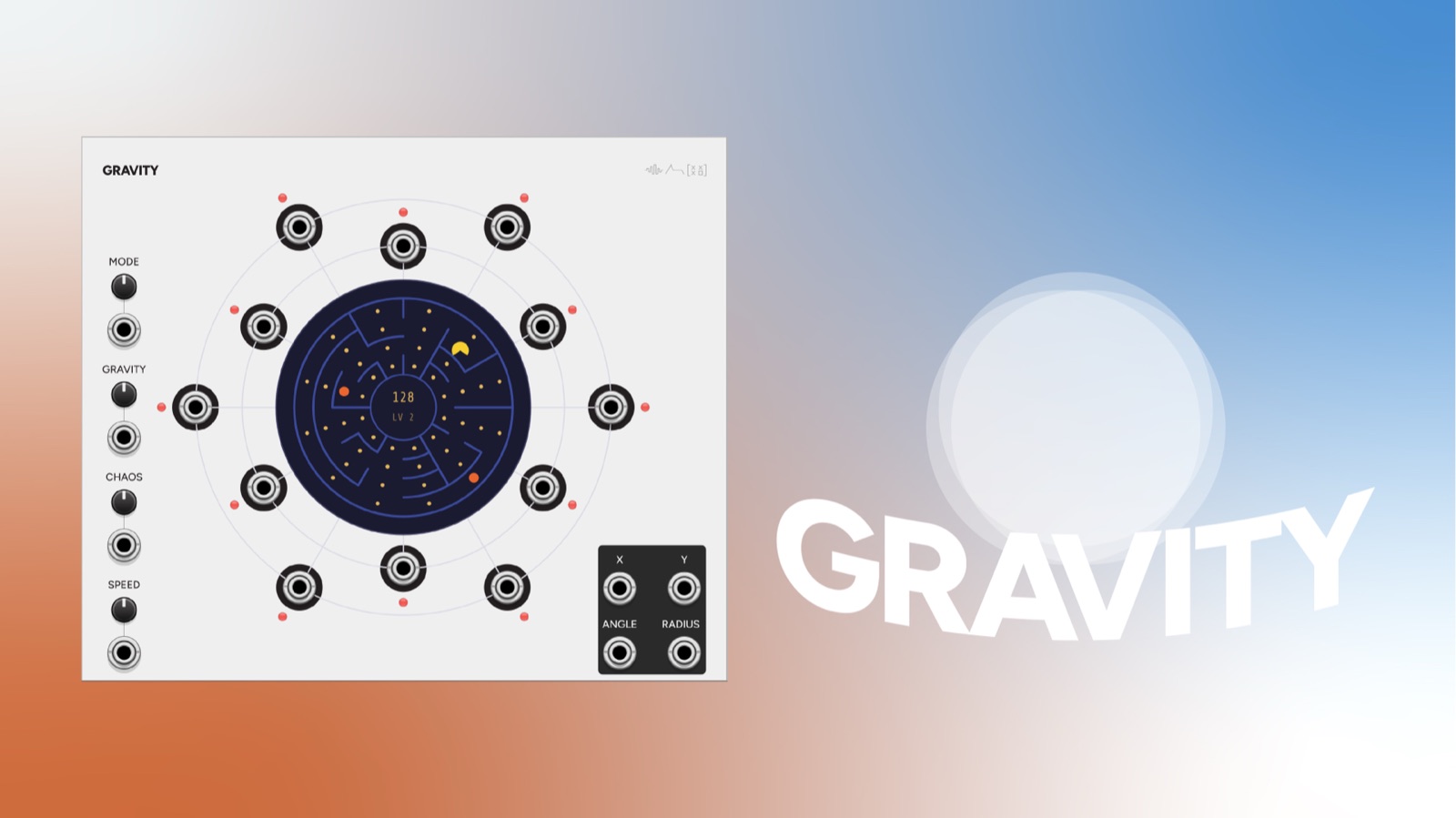 Gravity
's X and Y outputs into Canopy's X and Z move the column of drops across the drum, so the chaos engine steers which tongues are hit.
-
 Cistern
Canopy's LEFT and RIGHT into Cistern's L and R place the drum in a modelled room.