
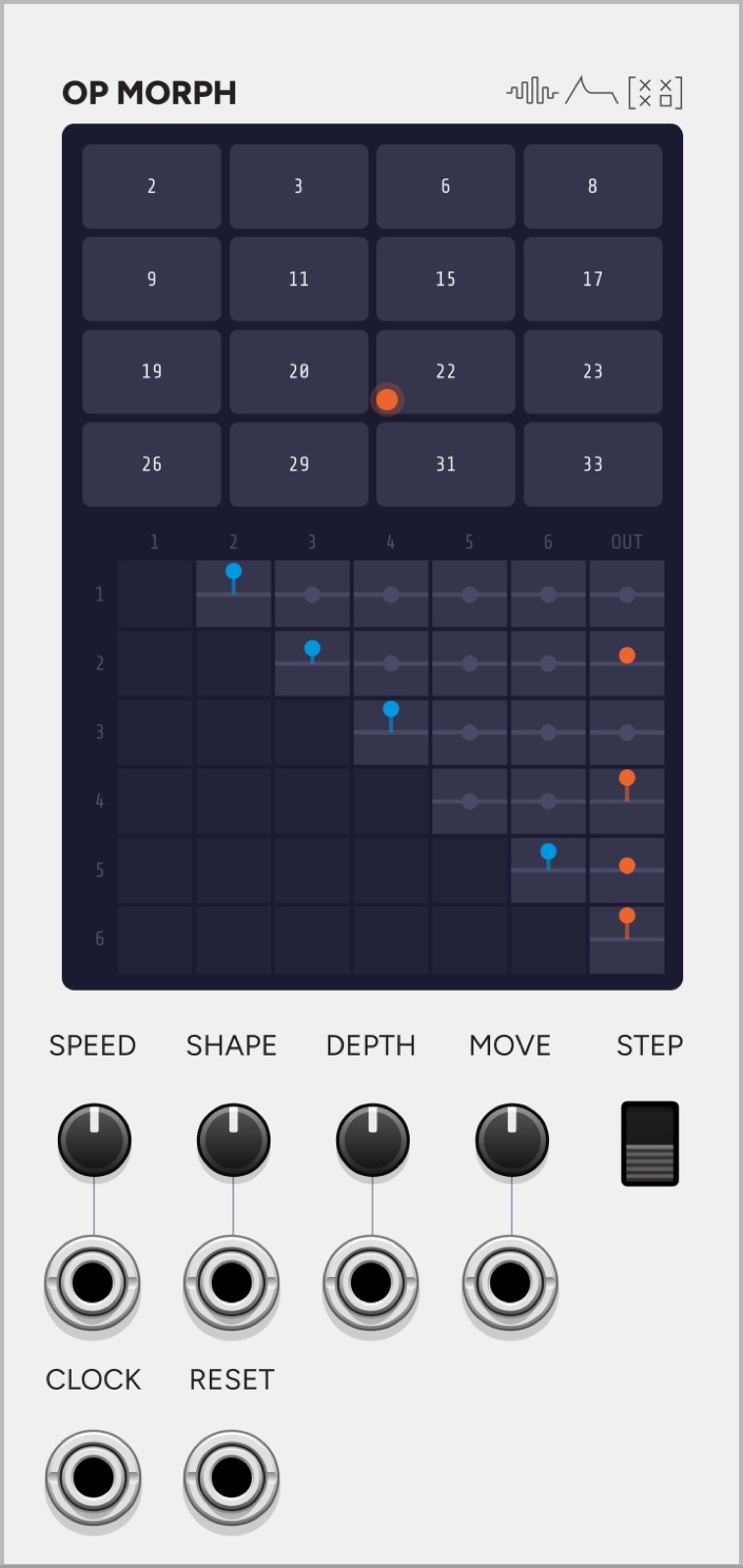
OP MORPH is an expander for Operator. Place it to the right of Operator.
It puts the DX7 operator routing on screen as a matrix, and gives you a field of sixteen of them to travel across.
12 HP.
What a DX7 algorithm actually is
A DX7 algorithm is a stack machine over three buses, which turns out to be a fast way of evaluating something much simpler: a table of “how much of operator i is added to operator j’s phase”, plus “how much of operator i reaches the output”.
All 32 evaluate in operator order, with every modulator strictly before what it modulates, so the table is strictly upper triangular: 15 modulation weights and 6 output weights. Once it is a table, it is a thing you can interpolate, which is what this module is for.
The matrix
Rows are the source operator, columns the destination. Columns 1 to 6 are the other operators; the last column, OUT, is the output bus.
The two column groups are both VCAs and they feel nothing alike:
- Columns 1 to 6 feed a phase input, so they are an FM index. Turning one up grows sidebands. It does not get louder.
- Column OUT feeds the output bus and is a plain level.
An operator with both is modulating its neighbour and audible in its own right, which no stock DX7 algorithm does.
Cells below the diagonal are drawn dark because they are structurally empty: an operator cannot modulate itself or anything earlier in the order. Click a cell to mute or unmute that route. A muted cell keeps a mark, so you can see it is a path you switched off rather than one the field is simply not using.
The field is a torus
Sixteen slots on a 4×4 grid, each holding one algorithm, and an X/Y position that bilinearly blends the four nearest.
Both axes wrap, and that is not decoration. On a square, x=0 and x=1 hold different routings, so wrapping past the edge would jump between two structures mid-note. A routing discontinuity is a click. Tiling means travelling in one direction forever passes through every column and interpolates back into the first with no seam anywhere.
Click a slot to select it. Drag up and down, or scroll, to change its algorithm.
Controls
| Control | What it does |
|---|---|
| SPEED | How fast the point travels, in slots per second. |
| SHAPE | Whatever gives the current movement its character: heading, turniness, wander or radius. |
| DEPTH | How far the blend is pushed from the untouched engine path. |
| MOVE | Drift, Turtle, Random walk, Circle, Linear. |
| STEP | Clock quantizes the movement. |
Each of the four pots has its own CV jack directly underneath. MOVE takes 1V per mode, so a sequencer can step the movement the way ROOT and SCALE are stepped elsewhere in the plugin.
STEP does not replace the movement, it quantizes it. The path keeps running underneath and the clock snaps the output to the nearest slot, so whatever shape the turtle or the walk is drawing comes out on the beat. Linear is the exception: there, a clock means one slot forward.
Inputs
SPEED, SHAPE, DEPTH and MOVE CV, plus CLOCK and RESET.
Outputs
None. It drives Operator over the expander bus.
Four routings Yamaha never shipped
Only 11 of the 15 possible modulation edges appear anywhere in the 32 algorithms. In the numbering on screen, the edges (1,5), (1,6), (2,5) and (3,6) are structures the DX7 never had.
No blend of stock algorithms can reach them, because a blend only produces edges one of its endpoints already has. They are reachable by editing a slot’s matrix directly, and that is the one thing this module can do that a DX7 cannot.
Context menu
Slots, each holding one algorithm, set a row at a time.
Patch ideas
A pad that never settles. Turtle at low SPEED, DEPTH around 1, and let it wander. The routing changes continuously under held notes, so a sustained chord keeps moving without any modulation on the operators themselves.
Rhythmic routing. STEP on, clocked from Meter’s eighth, MOVE set to Random walk. Every eighth lands on a different algorithm, so the timbre is sequenced without a sequencer.
Two instruments, one keyboard. Load two contrasting algorithms into diagonal corners of the field and use Linear with a slow SPEED. The field crossfades between them and wraps back, so it never jumps.
Somewhere Yamaha never went. Select a slot, click the empty cells at (1,5) or (2,5) to bring those routes in, and travel through it.
Pair with
-
 Operator
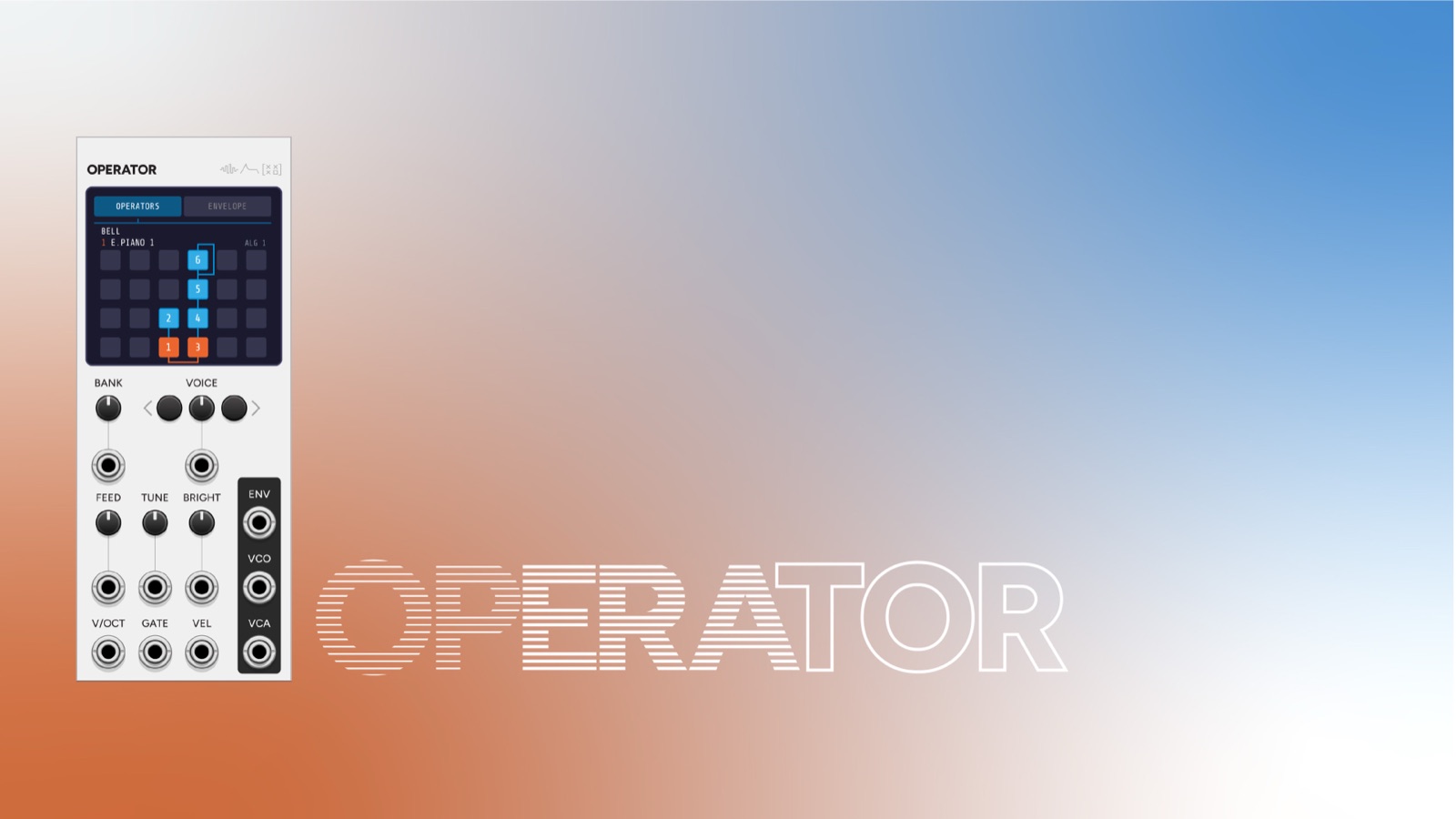
OP MORPH does nothing on its own. Place it to the right of Operator and it drives the routing over the expander bus.
-
 OP ENV
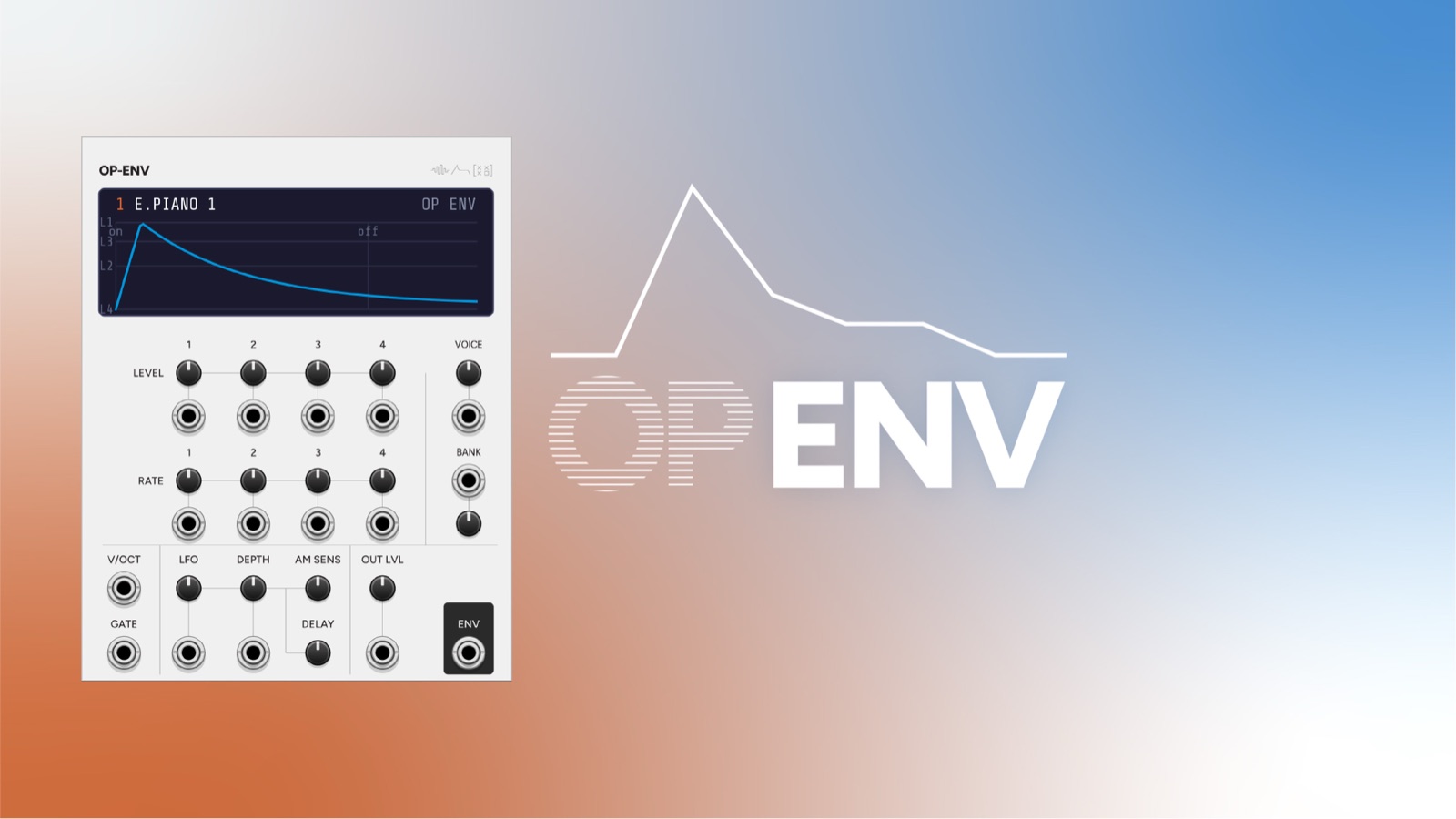
OP MORPH moves where the operators send their output, OP ENV moves how each one gets there.
-
 Meter
MeterSTEP quantizes the movement rather than replacing it, so Meter's subdivision lands each routing change on the beat.