
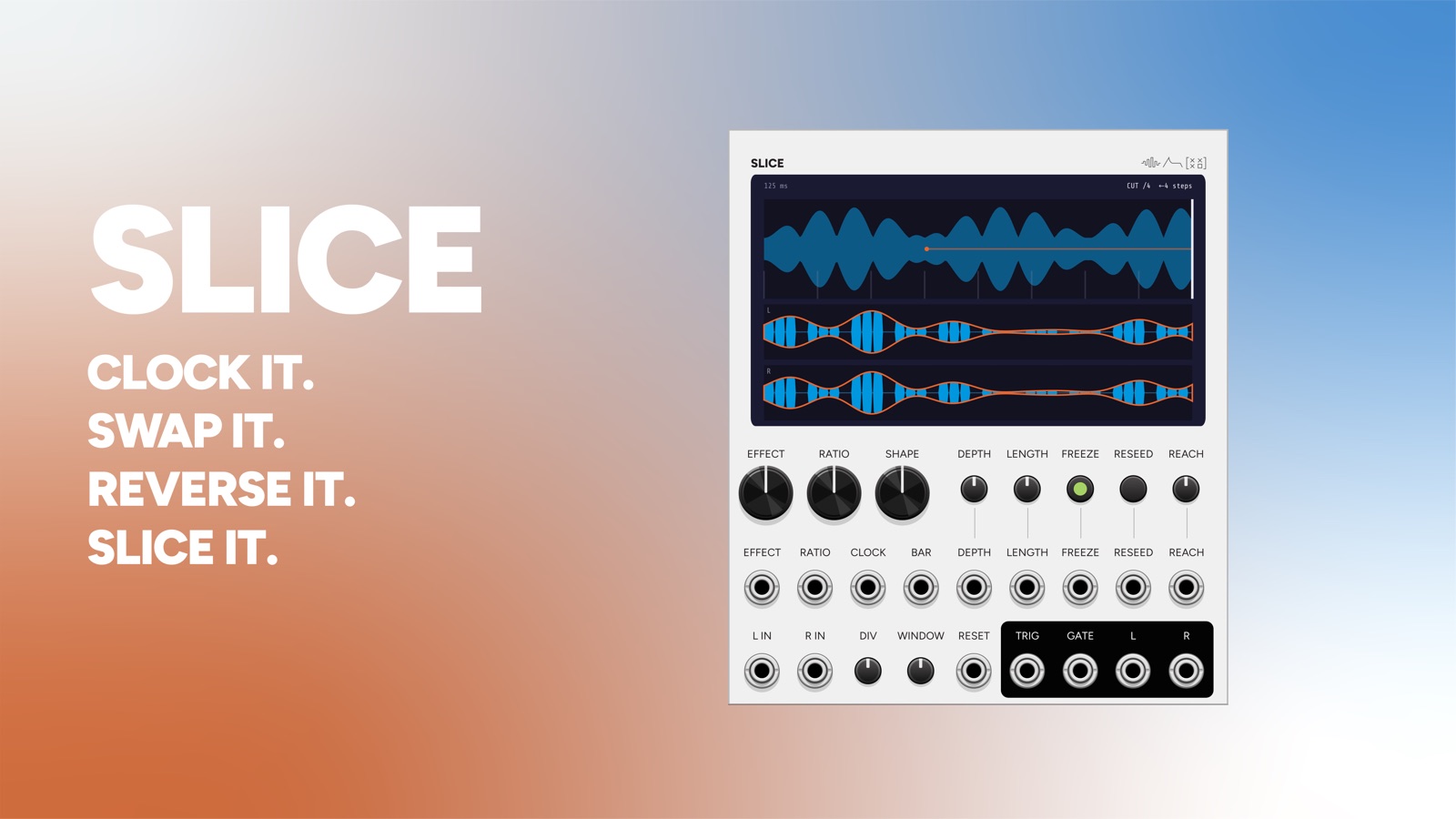
Slice cuts a stereo stream onto a grid and reworks each piece.
Audio runs into a circular buffer, a grid of slices runs over it, and every so often one slice is replaced by an altered version of itself: cut to silence, swapped across the stereo field, pulled from a moment ago, reversed, stuttered, pitched down. The rest pass through untouched.
22 HP. It works on anything, but it is aimed at rhythmic material, where the grid has something to line up with.
What happens, and how often
Those are two separate controls.
EFFECT picks one of seven transforms, or MIXED to rotate through them. RATIO says how often it fires, as one slice in N. Set EFFECT to REVERSE and RATIO to 1 in 4 and every fourth slice plays backwards. Nothing else changes.
The last slice of each group is the one that fires, so the effect lands on the approach to the downbeat rather than on it.
| Effect | What it does |
|---|---|
| CUT | Silence. The slice does not play. |
| SWAP | Left and right exchange for the duration of the slice. |
| DELAY | Plays a slice from further back instead of this one. |
| SHUFFLE | Plays a slice from a random earlier position. |
| REVERSE | Plays the previous slice backwards. |
| REPEAT | Stutters: takes the first 1/N of the slice and loops it. |
| PITCH | Plays the previous slice slowed down, so it drops in pitch. |
| MIXED | Walks the seven in order. |
DEPTH crossfades the altered slice against the straight one, so any of these can be a hint rather than a hard cut.
Patterns repeat
Everything Slice decides at random is a function of the slice’s index and one seed, and of nothing else. The same slice always makes the same choice, so what you hear repeats exactly rather than scattering differently each time round.
RESEED rolls a new seed, which gives you a different arrangement that is equally fixed. It moves four things at once: which earlier slice SHUFFLE grabs, how far back DELAY reaches, whether PITCH goes down or up, and where MIXED starts in its rotation. Button and trigger input.
Why some transforms reach back a slice
An untouched slice is read from the write head sample for sample, so Slice adds no latency when it passes audio through. But you cannot reverse a slice you are still recording. REVERSE and PITCH therefore work on the previous slice, which is finished and sitting in the buffer.
REPEAT stays live. It plays the first 1/N of the slice as it arrives, then loops what it just captured, which keeps a stutter feeling immediate.
WINDOW and SHAPE
WINDOW decides whether SHAPE matters at all.
WINDOW is how much of the slice is window, expressed as a fade time. It runs from 5 ms at the bottom to half the slice at the top, and the tooltip reads the actual milliseconds.
Near the bottom, the fade is an edge taper. Its only job is hiding the discontinuity where one slice meets the next. The ear hears how long a taper is, not how it curves, so SHAPE does very little down here.
At the top, the two fades meet in the middle and the slice becomes a window in the proper sense: nought up to full and back, no plateau. SHAPE now governs the whole envelope. WINDOW sweeps from declick at one end to grain envelope at the other.
An edge with nothing to hide gets no fade at all. A run of untransformed slices is already continuous, and fading it would only punch a hole in it.
SHAPE is three windows, ordered from most to least concentrated:
| Shape | As a full-slice window |
|---|---|
| Gaussian | 47% of the slice loud. A blip in the middle of its slot. |
| Hann | 80%. The classic arc. Default. |
| Log | 97%. Nearly the whole slice, with the corners taken off. |
There are three because there are only three. Window functions are all designed to be smooth, so a longer list of famous names collapses into one wide arc that nobody can pick apart by ear. What distinguishes a window is its width, and these are three widths.
Controls
| Control | Range | What it does |
|---|---|---|
| EFFECT | 8 positions | The seven transforms, plus MIXED. |
| RATIO | 1 in 1 / 2 / 3 / 4 / 6 / 8 / 12 / 16 | How often the effect fires. Default 1 in 4. |
| LENGTH | 10 ms to 1 s | Slice length, when free-running. |
| DIV | /8 /4 /2 x1 x2 x4 x8 | Slice length as a multiple of the clock interval. x1 is dead centre. |
| DEPTH | 0 to 100% | Crossfades the altered slice against the straight one. |
| REACH | 1 to 32 | How far back DELAY and SHUFFLE may pull from, counted in steps, or in bars once BAR is patched. |
| WINDOW | 5 ms to half the slice | See above. |
| SHAPE | 3 positions | Gaussian, Hann, Log. |
| FREEZE | latch | Stops the write head and loops what is in the buffer. |
| RESEED | button | Rolls a new set of choices. |
REACH is a count, and the parameter itself is one: 1 to 32, snapped, with only the unit changing when BAR is patched. The tooltip reads “8 steps” or “2 bars” rather than a percentage. Thirty-two bars at a slow tempo can be longer than the buffer, and when that happens the screen shows what you are actually getting, for example 7/32 bars.
Clock
With nothing in CLOCK, slice length comes from LENGTH. Patch a clock and it takes over, with DIV setting the multiple. The screen tags the readout CLK or LEN so you can see which one is in charge.
BAR does one job: it changes REACH from counting steps to counting bars, so DELAY and SHUFFLE pull from musically meaningful distances.
The screen
The main pane is anchored to now. The write head is the right-hand edge and the window is exactly REACH wide, so what you see is the span the module can reach into. The slice grid is ticked along the foot, and a line runs back to wherever the current slice was fetched from.
Under it, one pane per channel, five seconds each. Both signals are drawn for each channel, but drawn differently: blue and filled is what leaves the jack, after DEPTH; orange and outlined is what came in. Only the audible one is solid, so CUT at full depth reads as silence rather than as a fat waveform you cannot hear.
The header states the two fade lengths currently in force, which is the fastest way to see what WINDOW is doing.
Inputs
L and R audio, with R normalled from L.
| Input | What it does |
|---|---|
| CLOCK | Sets the slice length and takes over from LENGTH. |
| BAR | Switches REACH to counting bars. |
| RESET | Resets the grid and the pattern. |
| FREEZE | Gate. Freezes the buffer. |
| RESEED | Trigger. Rolls a new set of choices. |
| DEPTH | ±5V. |
| LENGTH | ±5V. |
| EFFECT | 1V per effect. |
| RATIO | 1V per step. |
| REACH | 0.1V per step or bar. |
Outputs
| Output | What it does |
|---|---|
| L / R | The stereo output. |
| SLICE (TRIG) | Trigger on every slice boundary. Use it to clock something else off Slice’s own grid. |
| XF (GATE) | Gate, high while a slice is being altered. Duck a reverb, open a filter, or light something up exactly when the effect fires. |
Slice is bypassable: L and R pass straight through when the module is bypassed.
Context menu
Buffer length: 30 / 60 / 120 seconds, with the memory cost shown for each. REACH counts up to 32 bars, and at 120 BPM that is 64 seconds, so a 30-second buffer leaves two thirds of that knob unreachable. The cost is real, which is why it is a choice: 120 seconds is 44 MB at 48k and 176 MB at 192k, per instance. Resizing is safe while audio is running.
Repeat splice: Clean or Dirty. REPEAT is the only transform that splices inside a slice, so it is the only place a click can come from that the edge fades do not cover. Clean puts a 1.5 ms raised cosine either side of the wrap, which cuts the discontinuity from about 5.9V to 2 mV. Dirty leaves it, because the click is most of what makes a stutter sound like a stutter.
Channels: Paired (default) or Independent. Paired means both sides slice identically, which keeps the stereo image intact. Independent gives the right channel its own source for SHUFFLE and DELAY.
Video
Patch ideas
Start here. Drums into L, a sixteenth clock into CLOCK, EFFECT to REVERSE, RATIO to 1 in 4, DEPTH full. One beat in four flips. Then walk EFFECT through the seven and leave everything else alone.
A grid that is not the drummer’s. Leave CLOCK unpatched and set LENGTH by hand, slightly off the tempo. The slice grid drifts against the music and the effects land somewhere new each bar.
Long-memory stutter. BAR patched, REACH to 4 bars, EFFECT to SHUFFLE, RATIO to 1 in 8. Fragments from a few bars ago drop into the present, still on the grid.
Grain envelope. WINDOW to maximum, SHAPE to Gaussian, RATIO to every slice. Every slice becomes a short bloom in the middle of its slot.
Freeze and play. Let a phrase run in, hit FREEZE, then work EFFECT, REACH and LENGTH with the buffer held. Nothing new arrives, so you are performing on a fixed piece of audio.
Duck on the effect. XF into a VCA on a reverb send. The tail opens only on the slices that were altered.
Slice as the clock. SLICE out into a sequencer or an envelope. The rest of the patch inherits Slice’s grid, including the parts of it you set by hand.
Stutter that means it. EFFECT to REPEAT, Repeat splice set to Dirty, WINDOW low. The clicks are the sound.
Pair with
-
 Beat
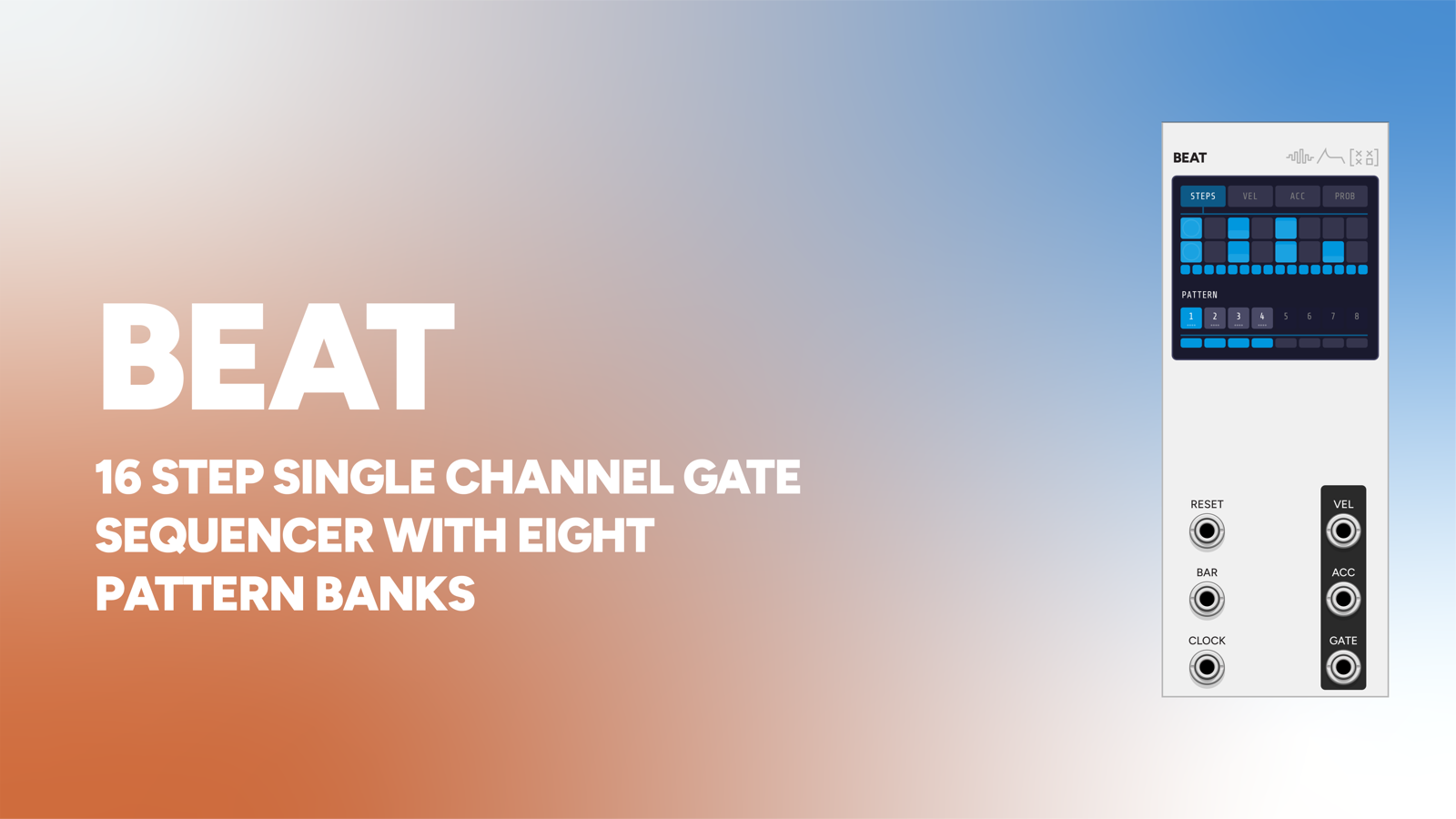
BeatBeat plays the drums, Slice chops them. Clock both from the same source and the glitches land on the grid the kit is already on.
-
 Meter
MeterMeter's subdivision jacks into CLOCK and its bar jack into BAR, so slice length and reach are both stated in the patch's own time signature.
-
 GSX
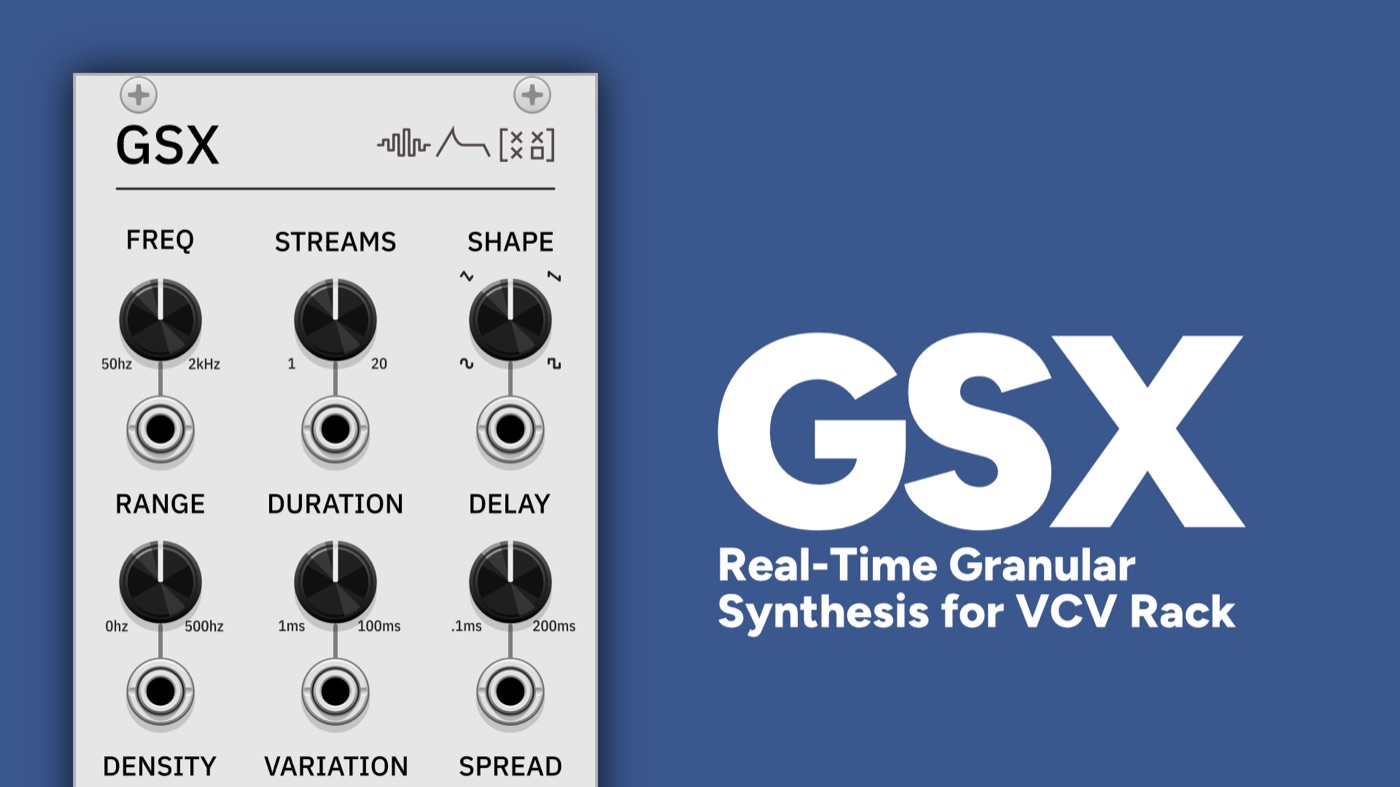
GSXRun GSX into Slice with WINDOW at maximum for two layers of grain: one made from the source, one made from the grid.
-
 Phase
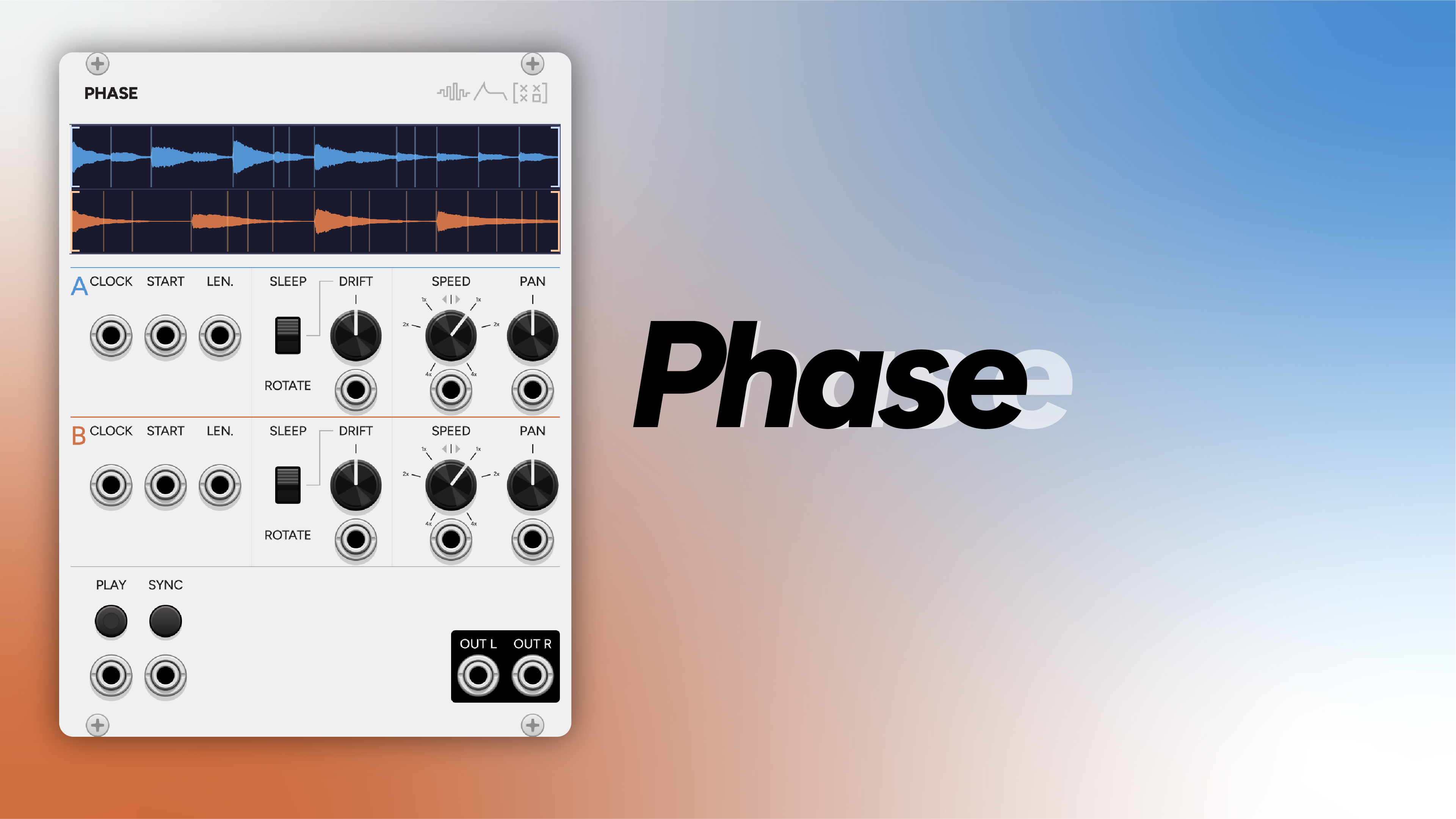
PhasePhase drifts two copies of a loop out of alignment; Slice cuts the result up on a grid that has nothing to do with either of them.