
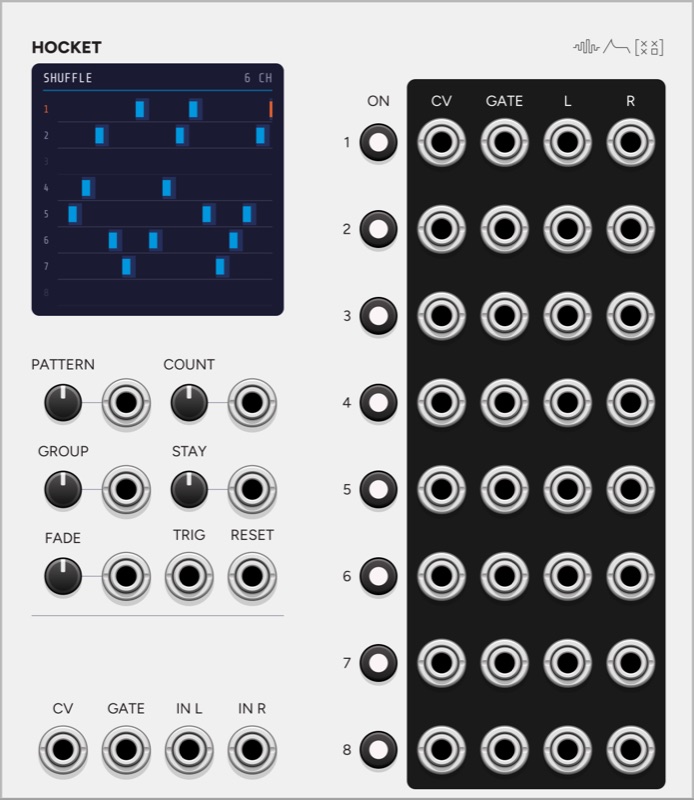
Hocket sends one line of notes or audio to eight channels in turn. The name comes from the hocket, a technique in medieval European polyphony where a melody is split between voices and each voice sings some of its notes. On a rack, it spreads a melody across eight voices so that each one rings on under the next, or moves an audio signal between eight effects.
All of this runs from one selection. The pattern, the channels in play, GROUP, STAY, the advance and RESET set which channel is selected, and the pitch, the gate and the stereo audio all follow it. I built it as one module so that a patch using a sequencer’s notes over eight voices and the same line’s audio through eight effects does not need two modules kept in step by hand.
What moves the selection
The selection moves on each rising edge of GATE, or of TRIG when TRIG is patched. With TRIG patched the channel changes on a clock whatever the notes are doing, and a gate held across a trigger moves to the new channel. GATE is normalled from TRIG, so a clock alone into TRIG gives each channel the clock pulse while it is selected.
A legato line never lets its gate fall, so it never moves the selection. The menu item “A new pitch under a held gate is a new note” counts a change of more than half a semitone as a note. It is off by default, because a glide or vibrato under a held gate would also move the selection. RESET is a jack with no button, and it makes the next note start the pattern again without cutting the note that is sounding.
Pitch, gate and audio
CV is sampled when a channel receives a note and held after the note ends, so a voice that is still releasing when the next channel plays stays at its own pitch. While the channel holds the gate it follows the input, which lets a glide or vibrato through. A menu item turns this off, and the channel then samples the pitch once.
GATE is the input gate, sent to the selected channel only. When a note stays on a channel that already has a high gate, because of GROUP, STAY or a legato line, the gate falls for 1 ms first, so that the voice receives a new attack.
Audio is stereo. IN L and IN R go to the selected channel’s L and R outputs, with R normalled from L, and FADE sets a smoothstep crossfade between channels from 0.5 ms to 1 second, with a default of 2 ms. The audio outputs are a switch, so they behave differently from eight separate voices. One source has one tail, and when the selection moves, the last note’s release and the next note’s attack are already mixed together in that signal. Eight voices fed from the CV and GATE outputs ring independently. For eight effects fed from the audio outputs, FADE runs from a hard switch to a slow blend between them.
Which channels are in play
The eight ON buttons switch channels on and off, and COUNT keeps the first N of those that are on. COUNT’s CV is 1 V per channel. A channel switched off while selected lets go at once, and a channel dropped by COUNT finishes its note. The button lights orange while the channel is selected, blue while it is in play, and dim blue when it is on but beyond COUNT.
Patterns
PATTERN sets the order over the channels in play, in channel order, and its CV is 1 V per pattern.
| Pattern | Order |
|---|---|
| Up, Down | 1 2 3 and upward, or 8 7 6 and downward. |
| Pendulum | Up and back, with the end channels played once. |
| Random | Any channel, including the one just played. |
| Random, no repeat | Any channel except the one just played. |
| Shuffle | Every channel once per cycle in a new order, and a cycle never starts on the channel the last one ended on. |
| Stride 3, Stride 5 | Moves 3 or 5 channels at a time. Where that step shares a factor with the number of channels in play, the pattern moves on by one each time it closes, so Stride 3 over 6 channels plays 1 4 2 5 3 6. |
| Converge | From the outside in: 1 8 2 7 3 6 4 5. |
| Register | Sends low notes to low channels, scaled to the range of the last 16 notes. |
| Drunk | A random step to a neighbouring channel. |
GROUP sets how many notes a channel plays before the selection moves, from 1 to 8, and its CV is 1 V per note. STAY sets the chance that a note stays on the current channel, and its CV is 10% per volt. Both apply to every pattern.
The screen
The header shows the pattern and how many channels are in play. Below it is one lane per channel, in the order of the output rows, with the last four seconds scrolling in from the right. A band shows how long a channel was selected and a bar shows each note it played, in orange while the note sounds.
Inputs and outputs
Inputs: CV, GATE, IN L, IN R (normalled from L), TRIG, RESET, and a CV for each of PATTERN, COUNT, GROUP, STAY and FADE.
Outputs: one row per channel of CV, GATE, L and R.
Patch ideas
One melody, eight voices. Patch a sequencer into CV and GATE and eight voices into the outputs. Each voice can have its own timbre and its own envelope, so a long release on one channel rings on under the notes that follow.
A melody split by range. Use the Register pattern and set a different timbre on each voice. Low notes go to the low channels and high notes to the high channels, scaled to what has been played recently.
Rhythm on a separate clock. Patch notes into CV and GATE and a slower clock into TRIG. Several notes in a row go to one voice, and the clock moves the line to the next.
Moving a signal between effects. Patch a stereo signal into IN L and IN R and a different effect on each channel, with a clock into TRIG. Set FADE to a few hundred milliseconds so that the signal moves from one effect to the next without a hard switch.
Grouped phrases. Set GROUP to 4 and STAY to about 20%. Each voice plays a short phrase and sometimes holds on for an extra note.
In the synthesis guide
- Step Sequencers: Pitch, Gates, Ratchets, Slides
A step sequencer stores a pitch and a gate for each step and moves to the next step on every clock pulse. Length, gate length, ties, slides and ratchets change how each step plays.
Pair with
-
 Note
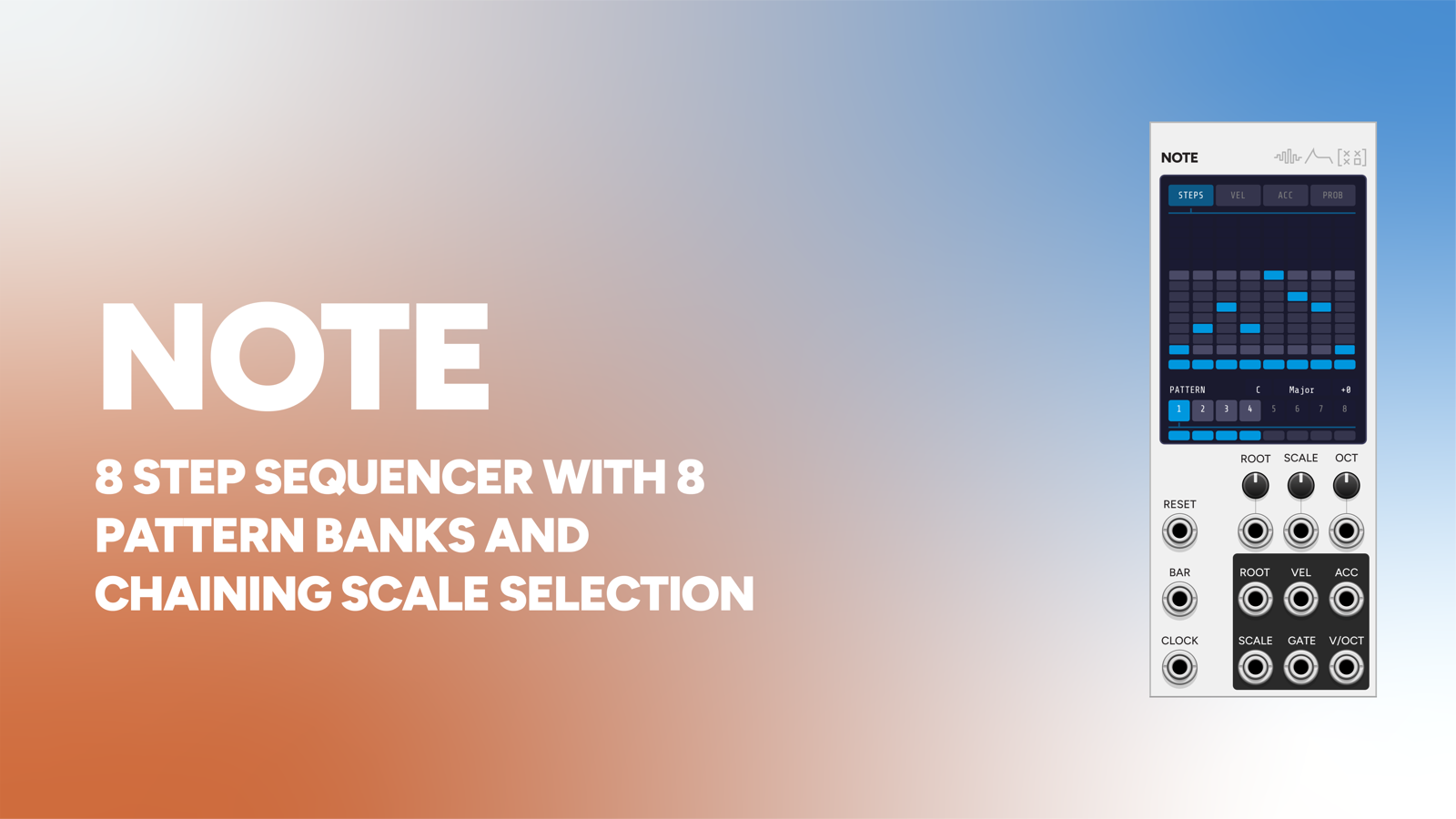
Note's V/OCT and GATE into Hocket spread one sequenced line across up to eight voices.
-
 Count
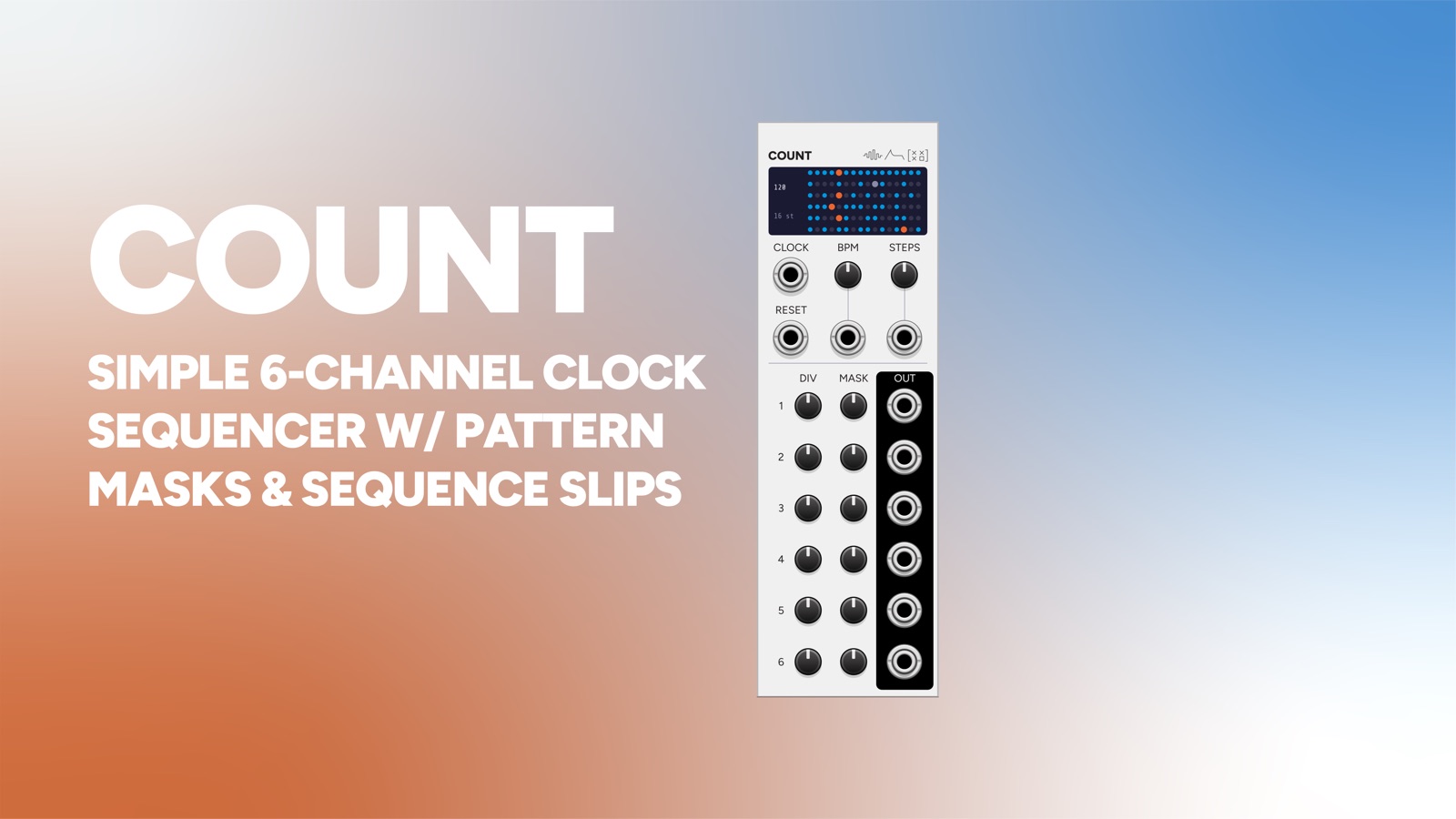
A gate output from Count into TRIG moves the selection at its own rate, whatever rhythm the notes are in.
-
 Overtone
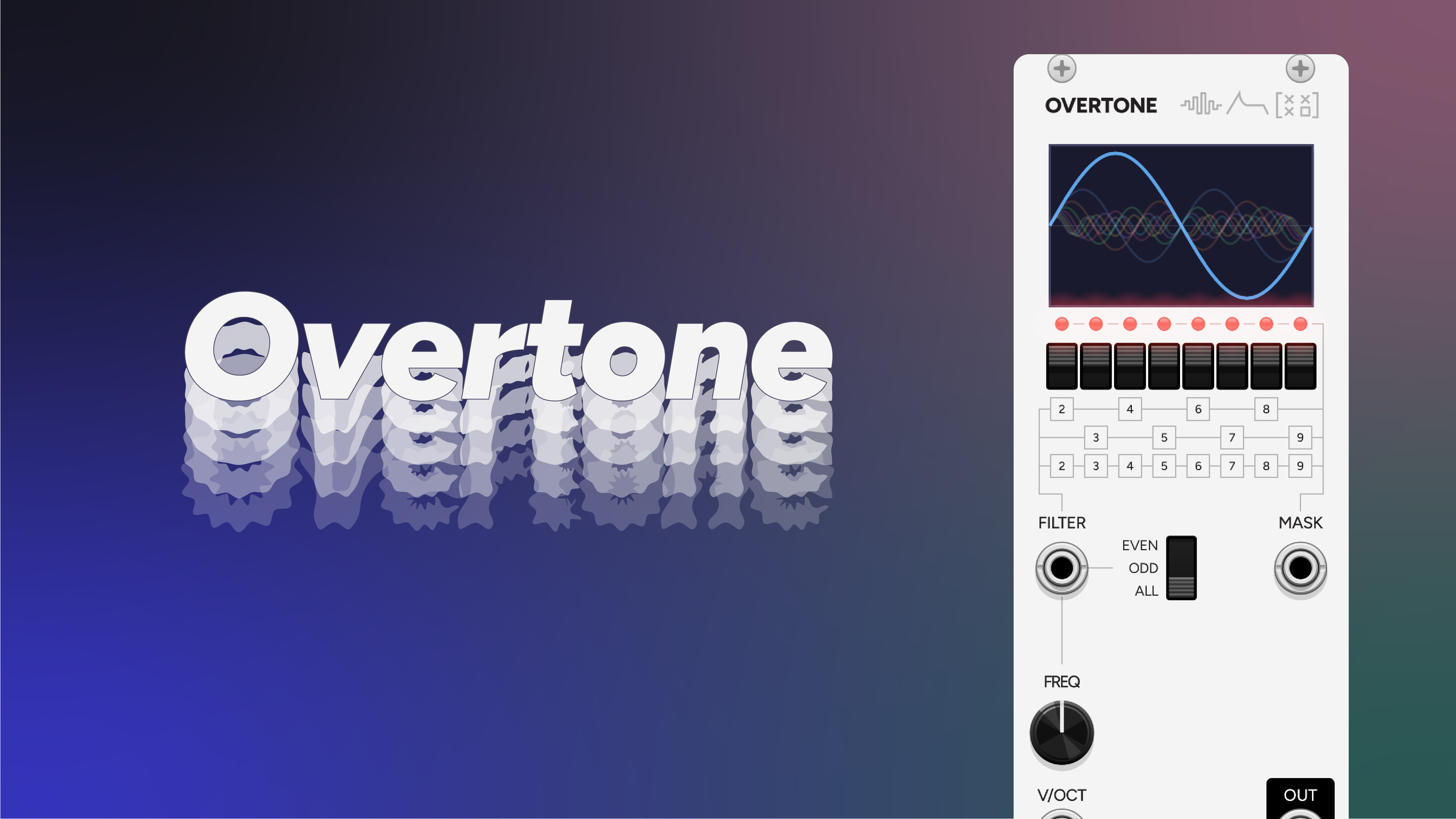
Each of Hocket's CV outputs can tune its own Overtone, with that channel's gate opening an envelope for that voice.
-
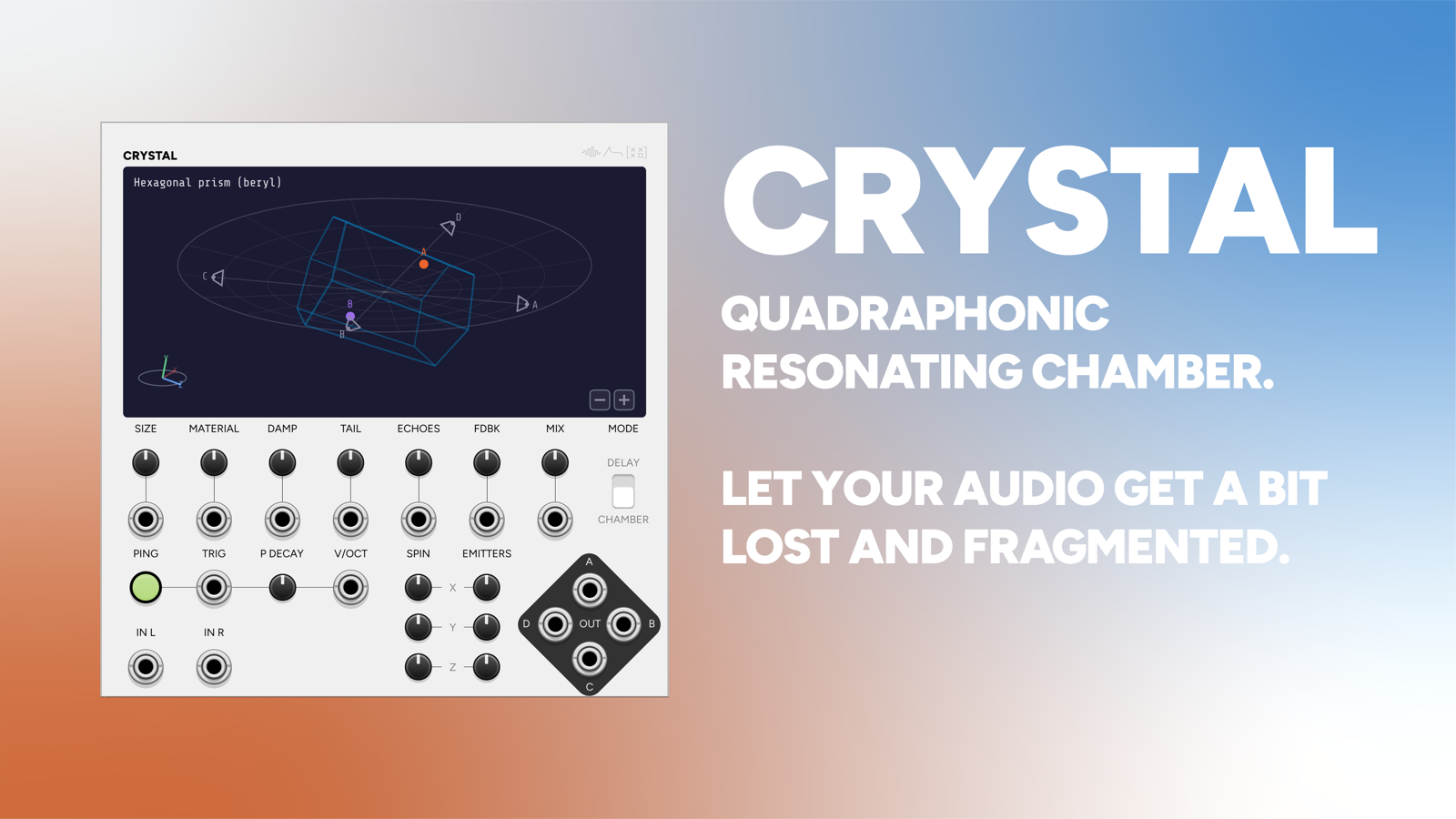 Crystal
Audio through two of Hocket's channels, one of them passing through Crystal, moves the signal in and out of the echo chamber.